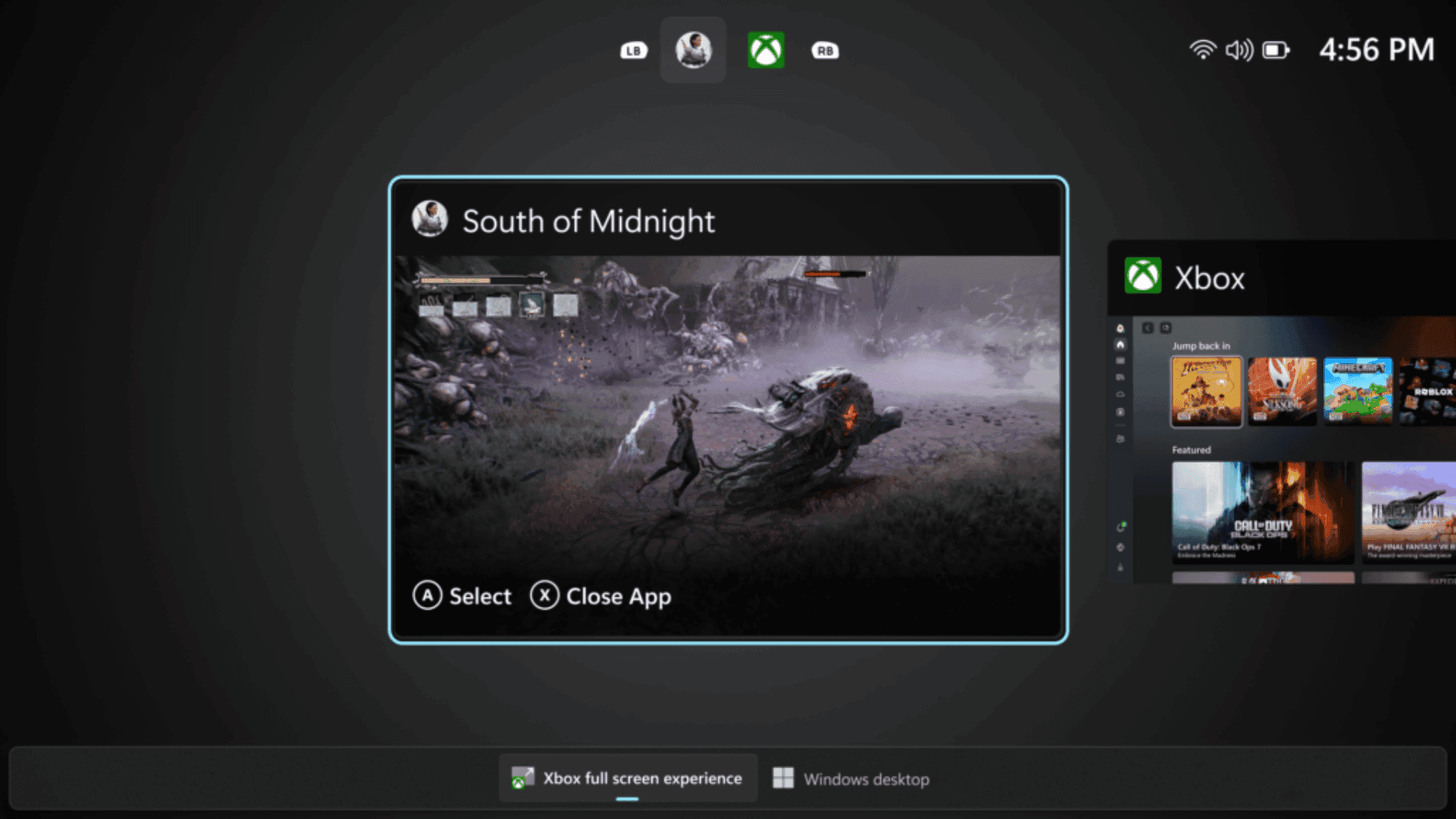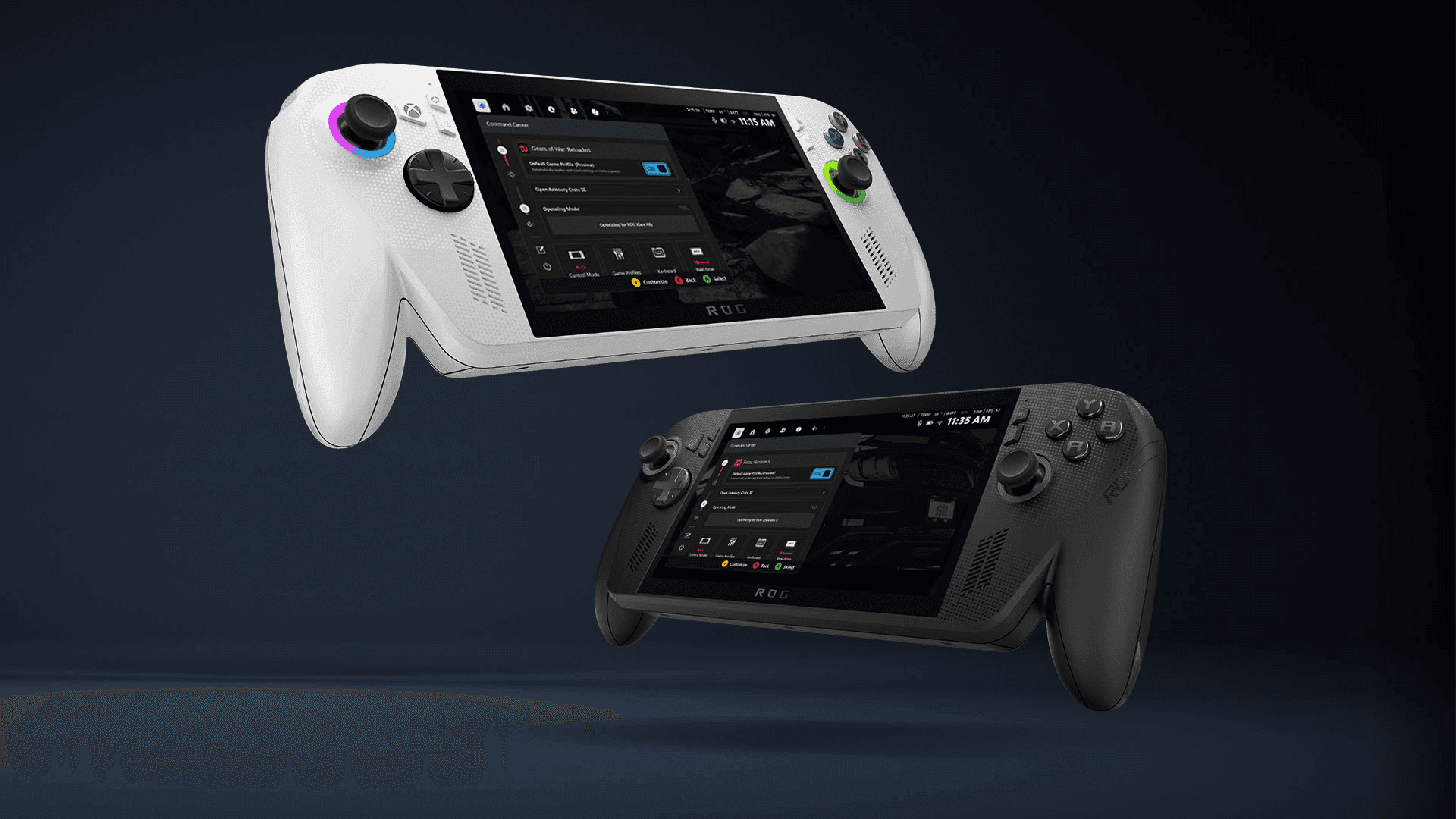

Xbox has begun rolling out updates for the ROG Xbox Ally, including a preview of Default Game Profiles. The new feature is designed to simplify gameplay settings by automatically balancing frame rate and power consumption for supported games. At launch, 40 titles are included, ranging from Fortnite and Gears of War: Reloaded to Hollow Knight: Silksong, with additional games expected in the future.
Default Game Profiles are applied only when the device is running on battery. Each profile is tailored for a specific game, setting recommended power limits (TDP) and FPS caps. When a game performs below its target FPS, the profile increases power allocation to improve smoothness, while games performing above the target FPS will have their FPS limited to conserve battery life. Players can toggle these profiles on or off using the Armoury Crate Command Center Game Bar widget, giving control over automated adjustments without navigating complex menus.
System Performance and Gaming Enhancements
Alongside Default Game Profiles, Xbox has addressed several performance issues based on player feedback. Gamepad responsiveness has been improved immediately after login, and the speed of loading large game libraries has increased. The cloud gaming page now loads more quickly and responds more smoothly, while a new filter in the Game Gallery allows players to see how well their games will run on the handheld.
Additional bug fixes and stability improvements aim to deliver a more consistent and reliable experience overall. Players are encouraged to install the latest updates for Armoury Crate SE, the Xbox PC app, and Windows 11 to take full advantage of these changes.
Xbox Game Pass Integration for ROG Xbox Ally
In select regions, purchasing an ROG Xbox Ally or ROG Xbox Ally X includes three months of Xbox Game Pass Premium. The subscription provides access to unlimited Xbox Cloud Gaming, PC titles, and a library of over 200 games, including popular titles such as Forza Horizon 5, Minecraft, and Hogwarts Legacy. This integration allows players to jump into a wide range of games directly on their handheld devices, extending the value of the hardware.
Upcoming Features and Improvements
Xbox has confirmed several upcoming enhancements for the ROG Xbox Ally X. AI-powered features, such as Automatic Super Resolution (Auto SR) and highlight reels, are expected to launch early next year, providing new ways to capture and enjoy gameplay. Next week, the Game Save Sync Indicator will be introduced, offering clear status updates when game progress is synced across devices, reducing the risk of lost progress when switching between the handheld and a PC.
The full screen experience, initially available on handhelds, is expanding in preview to additional Windows 11 devices including desktops, laptops, and tablets. This mode prioritizes gaming by minimizing background tasks and deferring non-essential processes, ensuring more system resources are dedicated to gameplay.
Community Feedback and Future Updates
Xbox continues to collect feedback from players to inform future updates for the ROG Xbox Ally and ROG Xbox Ally X. Improvements such as sleep and wake reliability and enhanced microSD card formatting are already in development. The company encourages players to share their experiences through the feedback hub, with the goal of refining the handheld gaming experience over time.
Frequently Asked Questions (FAQs)
What are Default Game Profiles on ROG Xbox Ally?
Default Game Profiles are pre-configured settings for supported games that automatically adjust frame rate and power usage to balance performance and battery life.
Which games support Default Game Profiles?
At launch, 40 games are supported, including Fortnite, Gears of War: Reloaded, Hollow Knight: Silksong, Call of Duty: Black Ops 6 and 7, DOOM Eternal, Forza Horizon 5, Minecraft, and Sea of Thieves.
How do I enable or disable Default Game Profiles?
Profiles can be toggled on or off using the Armoury Crate Command Center Game Bar widget. The feature appears at the top of the widget with an ON/OFF switch.
Do Default Game Profiles affect games on plugged-in power?
No. Profiles only apply when the handheld is running on battery.
What new performance improvements are included in the latest update?
The update improves gamepad responsiveness after login, speeds up library loading, enhances cloud gaming performance, adds a Performance Fit filter in the Game Gallery, and includes general stability and bug fixes.
Will the ROG Xbox Ally support Xbox Game Pass?
Yes. In select regions, players who purchase an ROG Xbox Ally or ROG Xbox Ally X receive three months of Xbox Game Pass Premium, which includes unlimited cloud gaming and access to over 200 titles.
What upcoming features can players expect?
Future updates include AI-powered Automatic Super Resolution, highlight reels, the Game Save Sync Indicator, improved sleep/wake reliability, and expanded full screen experience across more Windows 11 devices.