
Understanding Roblox Music Codes
Roblox music codes transform the platform's social gaming experience by letting players share their favorite tracks with friends. These numerical song IDs connect to Roblox's audio library, which contains millions of uploaded tracks ranging from mainstream hits to obscure indie gems.
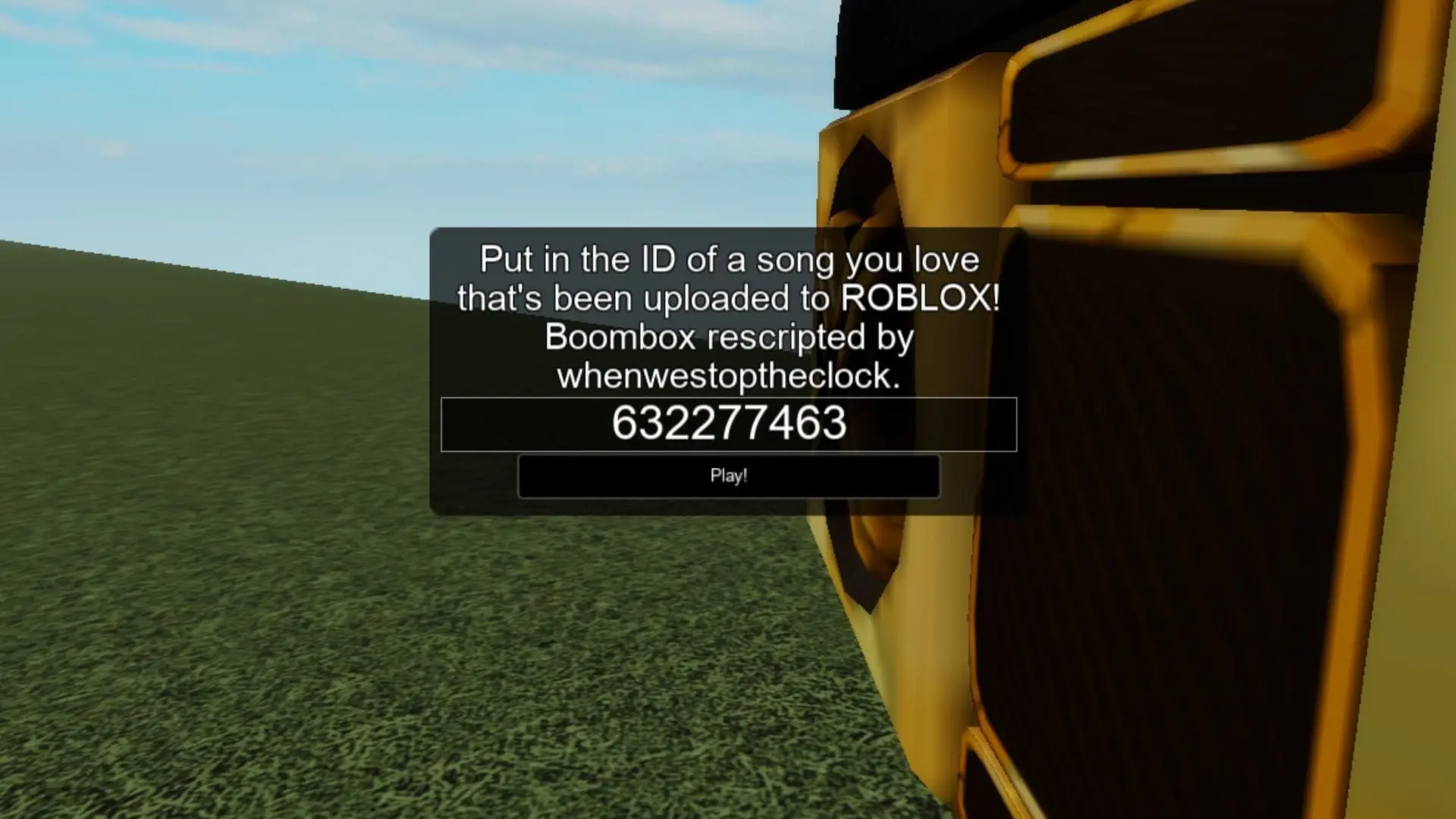
Enter song IDs to play music on Roblox
The system works through unique identification numbers assigned to each audio file in Roblox's database. When players enter a valid code, the platform streams the corresponding track through their character's equipment. This feature has become central to the social experience in many Roblox games, particularly in hangout spaces and roleplay experiences.
How to Use Music Codes in Roblox
Playing music in Roblox requires either a boombox item or access to an in-game radio system. The process varies slightly depending on which method you're using.
Using the Boombox
The golden boombox and similar gear items can be purchased from the Roblox catalog. Once equipped:
- Launch a game that supports music gear (Catalog Heaven is ideal for testing)
- Equip your boombox from your inventory
- Click on the boombox to open the music interface
- Enter your song ID code in the text box that appears
- Press Play to start the music
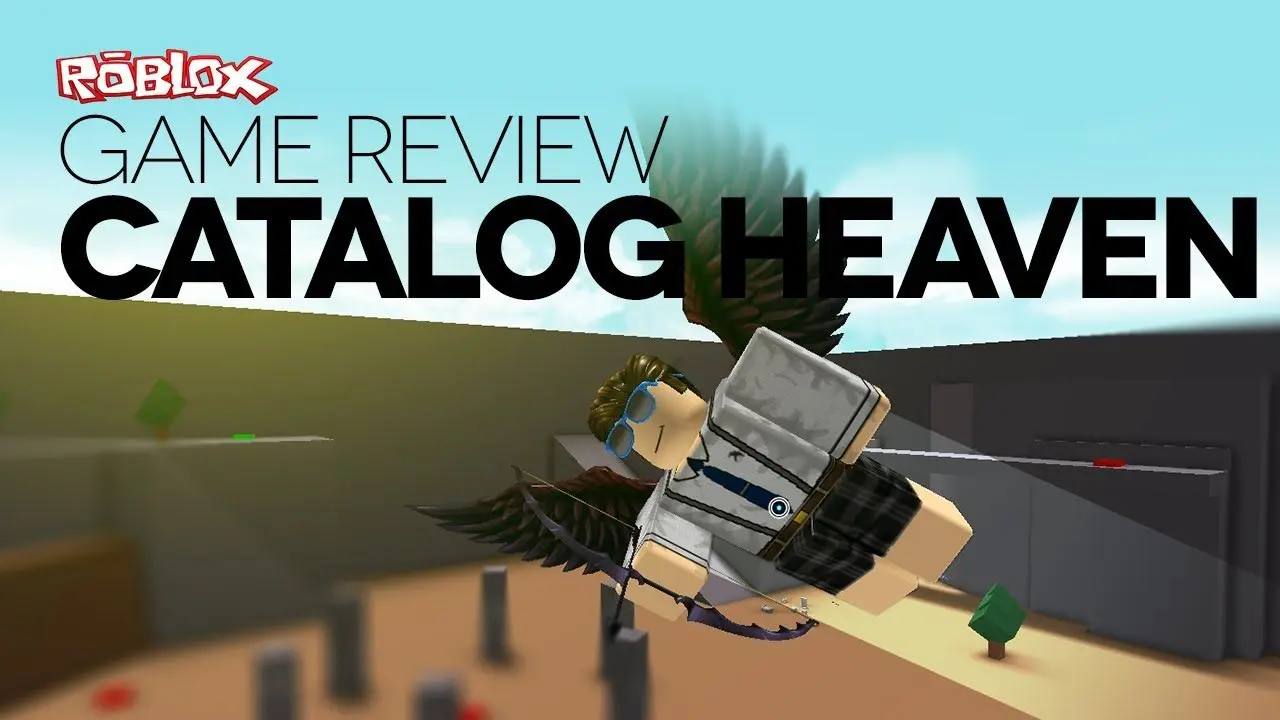
Test codes on Roblox in Catalog Heaven
Using In-Game Radios
Many Roblox experiences feature built-in radio systems. These typically require a Game Pass purchase, with prices set by individual developers:
- Purchase the radio Game Pass from the game's store
- Locate the radio within the game world
- Interact with the radio to open the music menu
- Input your song ID and press play
- Adjust volume settings as needed
Popular Music Code Categories
Chart-Topping Hits
The most popular category includes recent chart successes and viral tracks. Drake's "God's Plan" (code: 1665926924) remains one of the most-played tracks, alongside Lil Nas X's "Industry Baby" and Olivia Rodrigo's "Brutal".
Gaming communities particularly enjoy tracks from popular titles. The Super Smash Bros Melee "Final Destination" theme (2801308469) and Doom Eternal's "Slayer Gates" (4812865231) see heavy rotation in competitive games.
Anime soundtracks are popular choices in Roblox games
For players seeking atmosphere, classical pieces like Beethoven's "Moonlight Sonata" (445023353) and lo-fi tracks provide background ambiance. Claude Debussy's "Claire De Lune" (1838457617) is particularly popular in roleplay experiences.
Troubleshooting Common Issues
Codes Not Working
Roblox regularly removes tracks due to copyright claims, causing previously functional codes to stop working. When a code fails:
- Search for alternative uploads of the same song
- Check recently updated code lists from community sources
- Verify you're entering the code correctly without extra spaces
- Ensure the game supports music playback features
Audio Quality Problems
Some music codes may have poor audio quality due to how they were uploaded:
- Try different versions of the same song with alternative codes
- Check your device's volume settings and in-game audio levels
- Verify your internet connection is stable for streaming
- Report low-quality uploads to help improve the library
Finding New Music Codes
Players can discover fresh song IDs through several community resources. Dedicated websites maintain databases of working codes, updated regularly as tracks are added or removed. The Roblox community forums and social media groups also share newly discovered codes.
Developers integrate music systems differently across experiences. Some games offer free boombox access to enhance social interaction, while others monetize radio features through Game Passes. This design choice significantly impacts how music shapes the player experience.
In social hangout games, music becomes a core feature for self-expression. Players gather in virtual spaces, sharing tracks and discovering new songs together. This communal listening experience mirrors real-world social dynamics around music.
The Evolution of Roblox Audio
Roblox's audio system has undergone significant changes over the years. The platform initially allowed users to upload audio freely, resulting in a vast library of content. Recent policy updates have restricted audio uploads to verified creators, impacting the availability of certain tracks.
These changes aim to address copyright concerns while maintaining the social music experience. Players now rely more heavily on officially licensed tracks and creator-uploaded content that complies with Roblox's guidelines.
Best Practices for Music in Games
When using music codes in multiplayer experiences:
- Consider other players' preferences before playing music at high volumes
- Respect game-specific rules about music usage
- Use appropriate tracks for the game's theme and atmosphere
- Adjust volume levels to avoid overwhelming gameplay sounds
- Share interesting codes with friends to discover new music together
Roblox Resources
Check out Roblox Gift Cards on Amazon here. Learn about other popular Roblox experiences:
Frequently Asked Questions
What are Roblox music codes and how do they work?
Roblox music codes are unique numerical identifiers that correspond to specific audio files in Roblox's sound library. When you enter a code into a boombox or radio, the system streams that particular song through your character. Each code is typically 9-12 digits long and connects to one specific audio upload. The system allows players to share music with others in multiplayer experiences by simply sharing these ID numbers.
How do I get a boombox to play music in Roblox?
You can obtain a boombox by purchasing it from the Roblox catalog using Robux. The golden boombox is the most popular option, but various themed versions exist. Once purchased, equip it from your inventory in any game that supports gear items. Click on the equipped boombox to open the music interface, enter your song ID code, and press play. Some games like Catalog Heaven provide free access to all catalog items for testing purposes.
Why do some Roblox music codes stop working?
Music codes stop functioning when Roblox removes tracks from its audio library, typically due to copyright claims or violations of community guidelines. The platform actively moderates uploaded content, and tracks can be taken down at any time. When this happens, the associated code becomes invalid. Players need to search for alternative uploads of the same song with different codes, though there's no guarantee every song will have a working replacement.
Can I use music codes in every Roblox game?
No, music code functionality depends on individual game design. Some experiences offer free boombox support where you can equip gear items from your inventory. Others feature built-in radio systems that require purchasing a Game Pass, with prices set by game developers. Certain games disable music features entirely to maintain specific atmospheres or reduce audio clutter. Always check a game's description or store to understand its music capabilities.
Where can I find working Roblox music codes?
Working codes are available through community-maintained databases, Roblox forums, and social media groups dedicated to sharing song IDs. These resources update regularly as tracks are added or removed from the platform. When searching for codes, look for recently updated lists and verify codes in free-access games before purchasing Game Passes. Community members often share newly discovered codes for popular songs, helping others find working alternatives when tracks are removed.