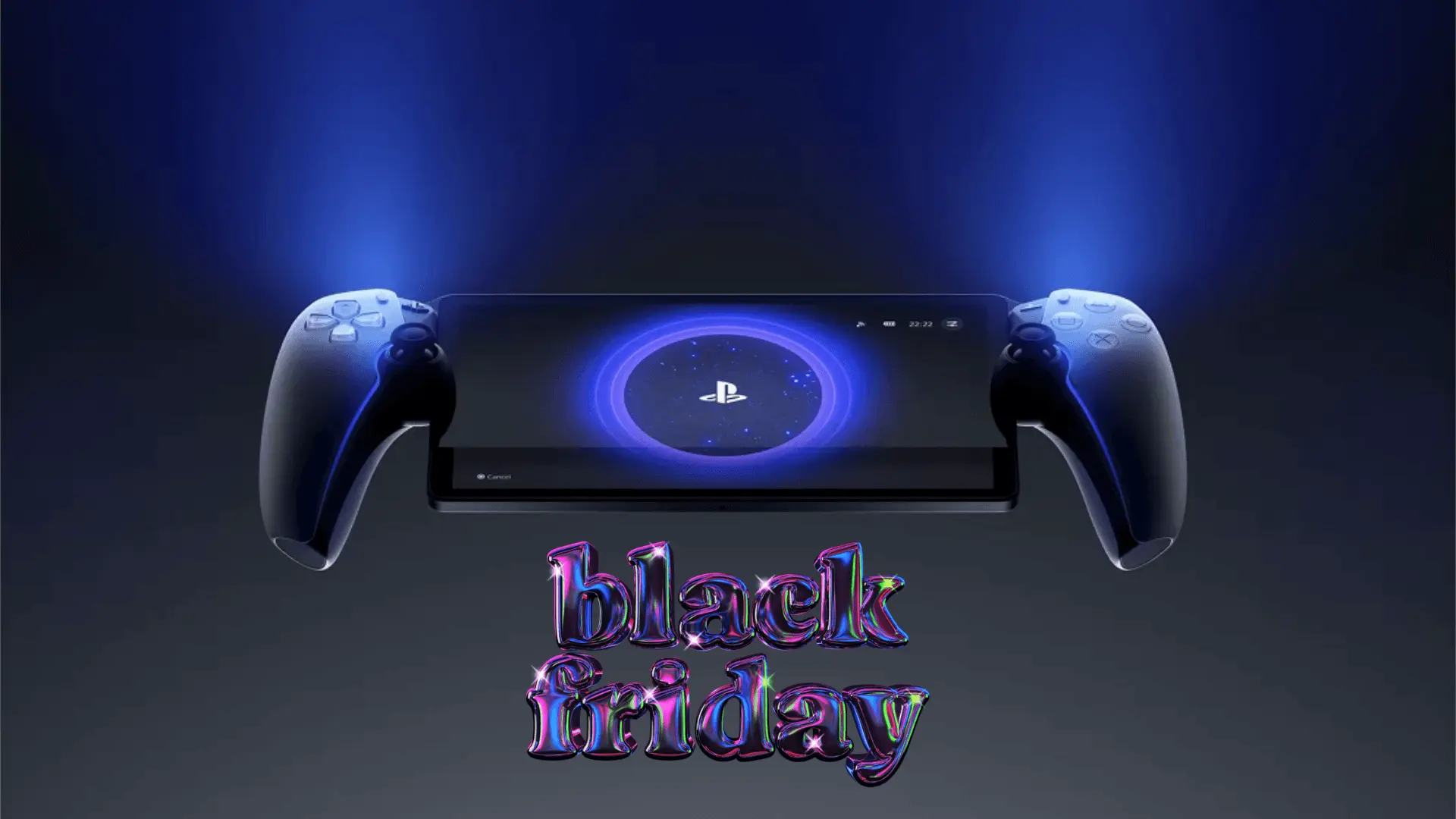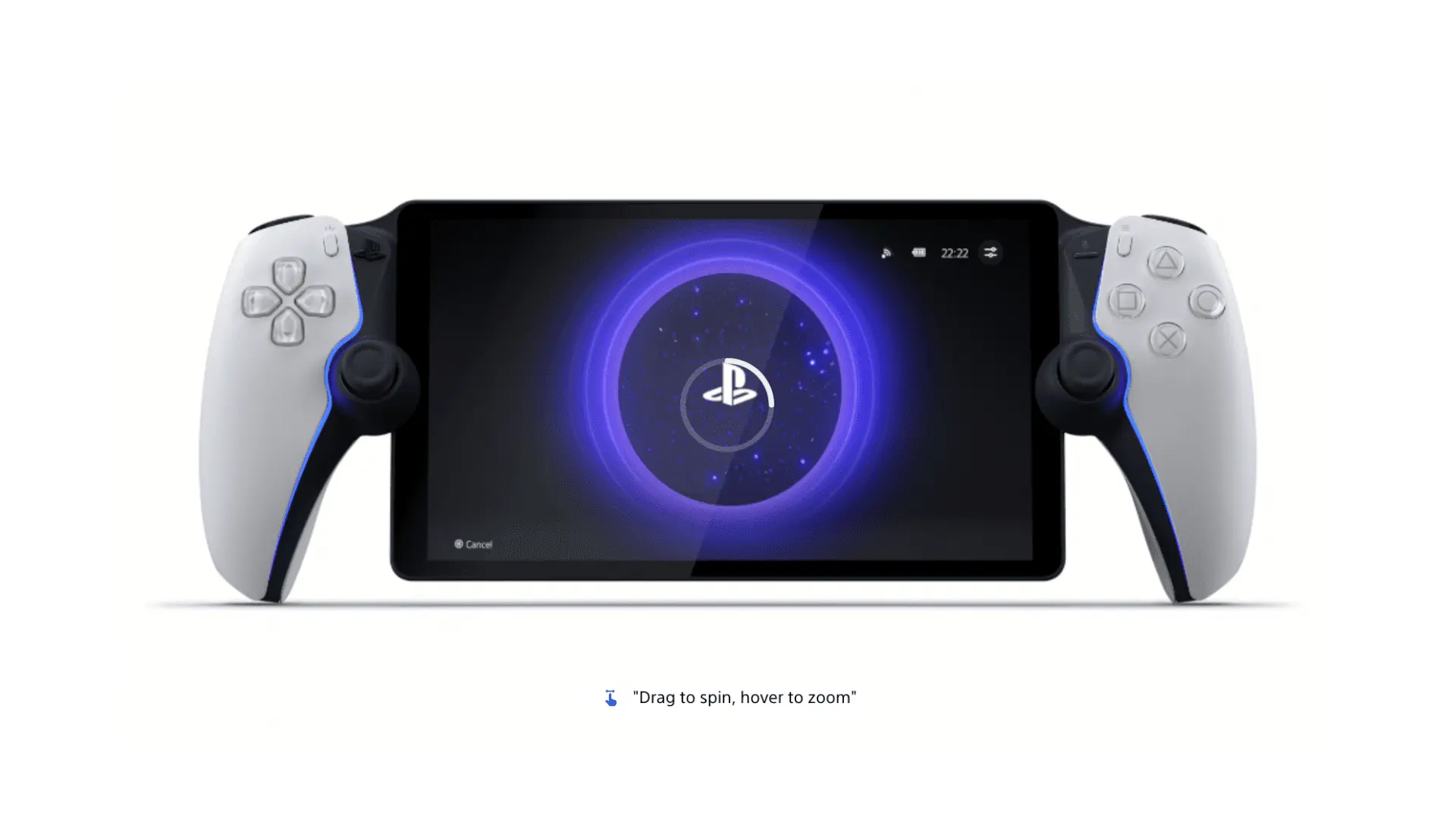

PlayStation Portal Remote Player positions itself as a companion device rather than a standalone console. Designed specifically for the PlayStation 5, it allows users to stream games directly from their PS5 over Wi-Fi or access cloud streaming through PlayStation Plus Premium. The concept is straightforward: give players more flexibility in how and where they play without moving away from the PS5 ecosystem.
Unlike traditional handheld systems, PlayStation Portal does not run games natively. Its value comes from how seamlessly it mirrors the PS5 experience, whether the console is in another room or, in some cases, not actively in use. This approach makes it clear that the device is aimed primarily at existing PS5 owners.
Streaming Performance and Visual Experience
At the center of the PlayStation Portal experience is its 8-inch LCD screen, which supports 1080p resolution and gameplay at up to 60 frames per second. In practice, visual clarity depends heavily on network stability, but under solid Wi-Fi conditions the image quality closely resembles playing directly on a television. Text remains readable, colors are consistent, and motion appears smooth in supported games.
Because all gameplay is streamed, performance varies by title and connection quality. Fast-paced games benefit most from a strong, low-latency network, while slower experiences tend to be more forgiving. The Portal’s screen size strikes a balance between portability and immersion, making it suitable for extended sessions around the home.
DualSense Features in a Portable Format
One of the more notable aspects of PlayStation Portal is how closely it mirrors the DualSense wireless controller experience. Haptic feedback and adaptive triggers are supported in compatible PS5 games, maintaining the tactile elements that have become standard for Sony’s current generation.
This integration helps the Portal feel less like a generic streaming device and more like a natural extension of the PS5. Resistance in triggers and subtle vibration effects translate well to the handheld format, provided the game itself supports these features.
Cloud Streaming Beyond the Living Room
PlayStation Portal’s functionality expands further with PlayStation Plus Premium. Subscribers gain access to cloud streaming from the Game Catalogue and Classics Catalogue, allowing instant play without downloads. This also makes it possible to continue playing even when the PS5 console is powered off or in use by another account.
The available library changes over time and varies by region, but the inclusion of well-known PS5 titles adds flexibility to how the Portal can be used. While it does not replace a dedicated handheld console, cloud streaming makes the device more versatile, particularly for users who already subscribe to PlayStation Plus Premium.
Audio Support and Immersion
Audio on PlayStation Portal supports Tempest 3D AudioTech in compatible games. Players can connect wired headsets or PlayStation Link wireless audio devices such as the PULSE Explore wireless earbuds. When paired with supported hardware, spatial audio cues remain intact, helping preserve immersion despite the smaller form factor.
As with other features, audio performance depends on game support and compatible accessories. The Portal itself does not include built-in advanced audio hardware beyond standard speakers.
Design, Setup, and Practical Use
PlayStation Portal is designed for quick access. Powering on the device and connecting to a PS5 console is intentionally streamlined, allowing users to resume play with minimal friction. This simplicity supports the Portal’s primary use case: short or extended play sessions when the television is unavailable.
The Midnight Black variant offers a more understated visual option, framing the display with a uniform dark finish. While cosmetic, it reinforces the Portal’s identity as a premium accessory within the PlayStation hardware lineup.
Where PlayStation Portal Fits In
PlayStation Portal Remote Player is best understood as a convenience device. It does not compete directly with traditional handheld consoles or mobile gaming platforms, and it does not attempt to push boundaries in areas like web3 integration or standalone performance. Instead, it focuses on extending PS5 access within a controlled ecosystem.
For players already invested in PlayStation hardware and services, the Portal provides a flexible way to stay connected to their game library without changing how those games are purchased or managed.
Make sure to check out our articles on best gaming gadgets in 2025:
Best Apple Products for Gaming
Best Nintendo Switch Accessories
Best Gaming Androids (phones)
Frequently Asked Questions (FAQs)
What is PlayStation Portal Remote Player used for?
PlayStation Portal Remote Player is used to stream compatible PS5 and PS4 games either directly from a paired PS5 console over Wi-Fi or through cloud streaming with PlayStation Plus Premium.
Does PlayStation Portal require a PS5 console?
Yes, a PS5 console and a PlayStation account are required. Cloud streaming features also require a PlayStation Plus Premium subscription.
Can PlayStation Portal play games without a TV?
Yes, the device allows users to play PS5 games without using a television, making it useful when the TV is in use by someone else.
Is PlayStation Plus required to use PlayStation Portal?
PlayStation Plus is not required for standard remote play from a PS5 console, but a PlayStation Plus Premium membership is required for cloud streaming features.
What internet speed is recommended for PlayStation Portal?
A minimum Wi-Fi speed of 5 Mbps is required, but a faster connection of at least 15 Mbps is recommended for better performance.
Does PlayStation Portal support VR games?
No, games that require PlayStation VR or PlayStation VR2 are not compatible with PlayStation Portal Remote Player.
What audio devices work with PlayStation Portal?
The device supports wired headsets and PlayStation Link wireless audio devices, including PULSE Explore wireless earbuds, for compatible games.