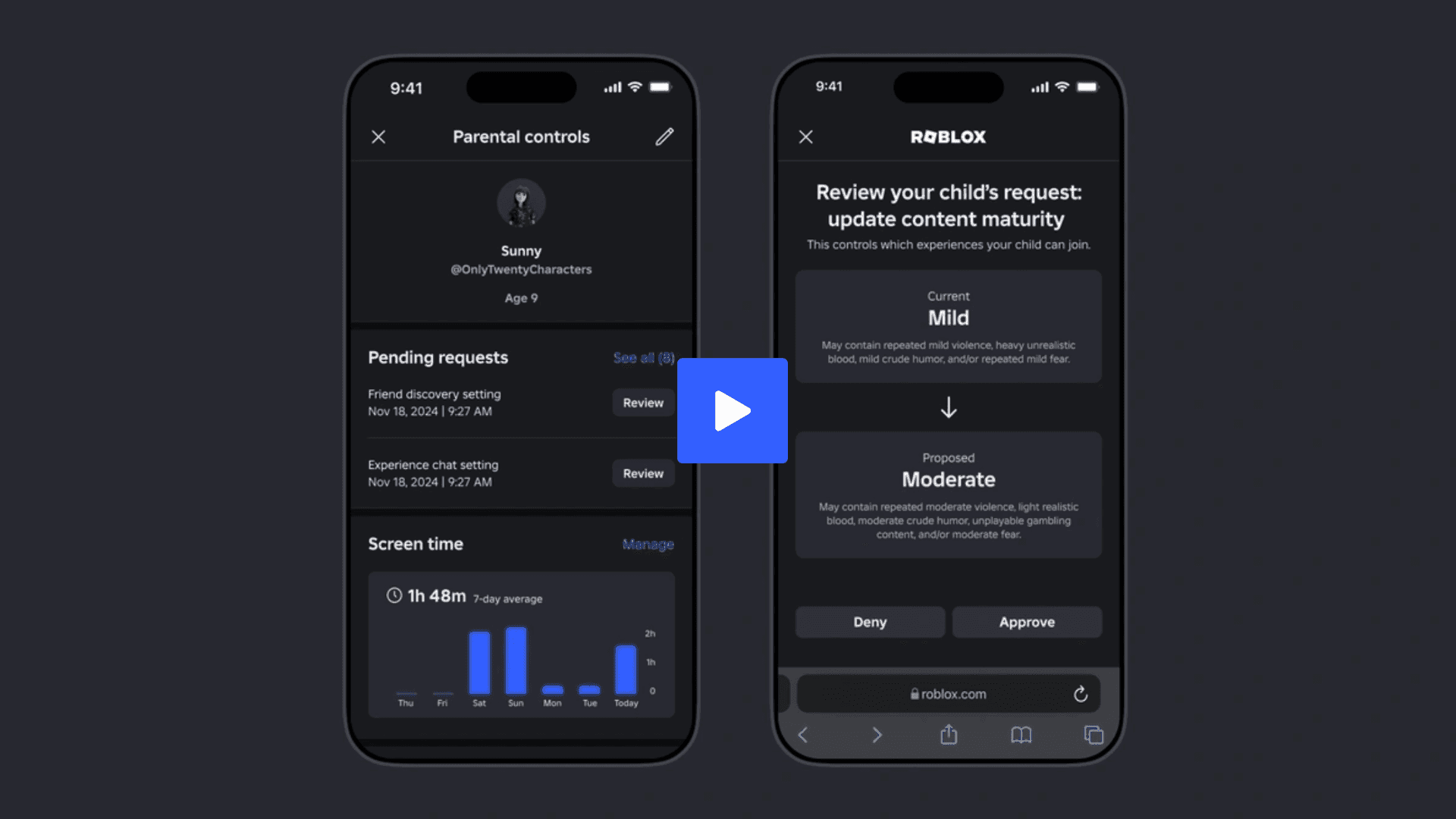

Nintendo continues to position the Switch as a family-friendly platform, and the Nintendo Switch Parental Controls app plays a central role in that strategy. Designed for parents and guardians, the free smart device app offers tools to monitor gameplay habits, manage restrictions, and oversee communication features on both Nintendo Switch 2 and the original Nintendo Switch systems.
Rather than acting as a simple lock, the app focuses on visibility and control, allowing adults to stay informed about how gaming fits into everyday routines. For families navigating shared consoles, the app provides a practical way to balance entertainment with oversight.
Monitoring Play Activity Across Nintendo Switch Systems
Once connected to a Nintendo Switch 2 or Nintendo Switch console, the Parental Controls app allows parents to review which games are being played and how much time is spent on each title. This information is accessible remotely through a compatible smart device, making it easier to keep track of usage even when adults are not in the same room.
Time limits and age-based content restrictions can be adjusted directly from the app. These settings are intended to support different household rules, whether that means limiting late-night play sessions or ensuring younger players only access appropriate games. Nintendo supplements these tools with setup guides and instructional videos available through its Customer Support channels.
How the App Handles Communication Features
With the launch of Nintendo Switch 2, Nintendo introduced GameChat, a built-in communication feature designed to replicate the feeling of playing together in the same space. GameChat supports voice chat for up to 12 participants using the console’s built-in microphone, while up to four users can share their game screens or connect through video chat using a compatible camera sold separately.
The Parental Controls app extends its oversight to GameChat, allowing parents and guardians to manage how and when these communication features are used. This adds an additional layer of control for families concerned about online interaction, particularly for younger players. Nintendo provides additional videos and documentation for those who want a deeper understanding of how GameChat works and how it can be managed.
Setup, Access, and Ongoing Support
The Nintendo Switch Parental Controls app is available at no cost and can be downloaded by visiting https://p.nintendo.com on a smart device. After installation, the app can be linked to a Nintendo Switch 2 or Nintendo Switch system to begin managing settings.
Nintendo also maintains a Welcome Center for Nintendo Switch 2, offering additional guides, tips, and videos aimed at helping families get started with the system and its features. Together, these resources position the Parental Controls app as a central hub for managing family play on Nintendo’s current hardware lineup.
Frequently Asked Questions (FAQs)
What is the Nintendo Switch Parental Controls app?
The Nintendo Switch Parental Controls app is a free smart device application that lets parents and guardians monitor gameplay, set restrictions, and manage communication features on Nintendo Switch 2 and Nintendo Switch systems.
Is the Parental Controls app free to use?
Yes, the app is available at no cost and can be downloaded from Nintendo’s official website using a compatible smart device.
Can parents see what games are being played?
The app allows parents to review which games are played and how long each game is used, helping them understand overall play habits.
Does the app support Nintendo Switch 2 features like GameChat?
Yes, the app includes options to manage GameChat settings on Nintendo Switch 2, including oversight of voice chat and screen-sharing features.
Where can users find help setting up the app?
Nintendo provides setup guides, videos, and additional documentation through its Customer Support pages and the Nintendo Switch 2 Welcome Center.