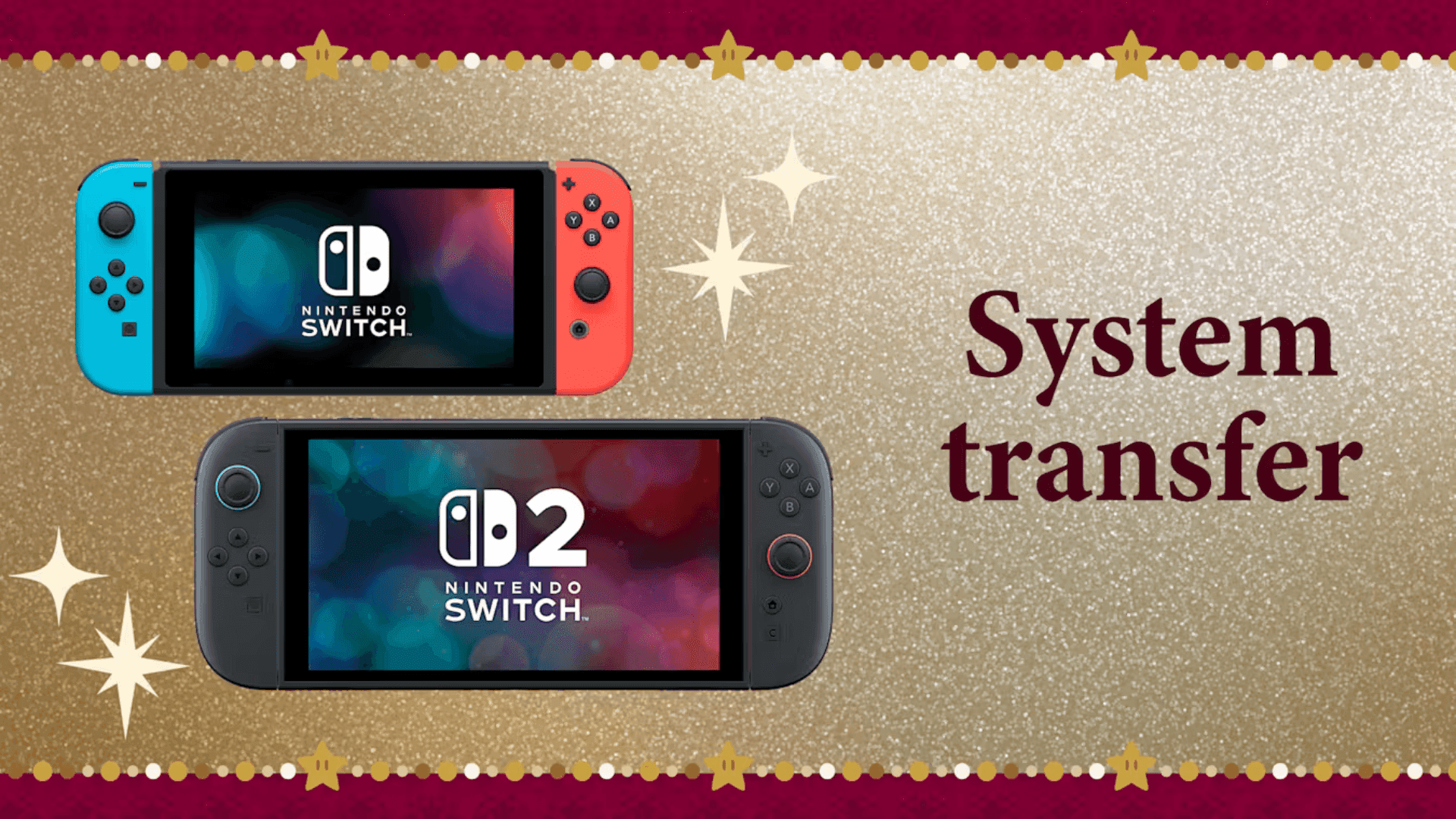

For players upgrading to a Nintendo Switch 2, transferring data from an existing Switch system is an important step to ensure continuity in games, save files, and accounts. Nintendo offers two main methods for transferring data, both designed to be straightforward and secure. Depending on a user’s setup and preferences, either method can be used to move content without losing progress.
Direct Wireless Transfer Between Systems
The first method involves a wireless system-to-system transfer. This process requires both the original Nintendo Switch and the Switch 2 to be physically close to each other. Users can initiate the transfer through system settings, which guides both consoles to connect and move the data. This option is convenient for those who still have access to their old console and want to complete the transfer in one session. It allows for the migration of save data, account information, and digital purchases.
Using Cloud Uploads for Transfer
Alternatively, Nintendo provides a server-based transfer method. In this approach, data from the original Switch is uploaded to a secure server. Once uploaded, users can log in to their account on the Nintendo Switch 2 and download the data. This method is helpful for situations where the two consoles cannot be connected at the same time, or when a direct wireless connection is not feasible. Both approaches are supported by Nintendo’s official tools and instructions.
Getting More Help and Resources
Nintendo offers video tutorials and a detailed support page to guide players through the data transfer process. The resources include step-by-step instructions, troubleshooting tips, and requirements for each transfer method. For additional guidance on setting up the Switch 2, the Nintendo Welcome Center provides helpful guides, videos, and instructions for getting started with the new system.
Can I transfer my Nintendo Switch save data to Switch 2?
Yes, both wireless and server-based methods allow users to transfer save data along with digital games and account information.
Do I need both consoles for the transfer?
For wireless system-to-system transfer, both consoles must be nearby. For server-based transfer, the original console only needs to upload the data to the server.
Will my digital purchases move to the Switch 2?
Yes, any digital games or content linked to your Nintendo account will transfer to the Switch 2 along with save data.
What if my old Switch is no longer working?
If the original console cannot be used, the server-based method will only work if the data was previously uploaded to Nintendo’s cloud service.
Where can I find detailed instructions for transfer?
Nintendo’s Customer Support website provides step-by-step guidance, and the Welcome Center offers additional setup and usage resources.
Does this process support web3 features?
Currently, the data transfer methods focus on account data, save files, and digital content. web3 features are not part of the transfer process.