Xbox has rolled out its November update, delivering several new features and improvements across mobile, PC, and cloud gaming platforms. Among the most notable changes is the availability of Gaming Copilot (Beta) on the Xbox mobile app, giving players a personal assistant for gaming tips, achievement tracking, and in-game guidance directly from their phones. This feature can be accessed through the dedicated Gaming Copilot tab, allowing users to interact by voice or text to get real-time insights tailored to their gameplay.
The update also expands the Full Screen Experience (FSE) to a wider range of Windows 11 devices. Originally seen on the ROG Xbox Ally, FSE offers a console-style interface designed for controller-first navigation. The experience provides a clean, distraction-free layout suitable for desktops, laptops, and tablets, and is now accessible to Windows Insiders on additional devices. By pairing a controller with their PC, players can enjoy smoother task switching and a more streamlined gaming experience.
Enhancing Xbox Cloud Gaming
Xbox Cloud Gaming has introduced the ability for users to select their preferred streaming resolution for certain titles, supporting up to 1440p. This update gives players more control over the quality of their gameplay, enabling them to adjust settings according to device capability and network conditions.
The service has also expanded geographically. Xbox Cloud Gaming is now available in India, marking its 29th cloud gaming market. Players in India can stream hundreds of titles on consoles, PCs, mobile devices, and supported TVs. Additionally, in Brazil and Argentina, cloud gaming now supports LG TVs and Amazon Fire TV devices, broadening access and reducing latency. The Xbox app is set to launch on more Fire TV devices, including the Fire TV Stick 4K Plus, Fire TV Stick 4K Select, Fire TV 4-Series, and Fire TV Omni QLED TVs, allowing Game Pass subscribers to stream games more easily.
Xbox Design Lab Offers Customization
Xbox Design Lab is providing free engraving on all controller purchases from November 28 to December 12. This allows players to personalize their controllers with names, messages, or other designs, offering a custom gaming accessory that reflects their individual style.
New Controllers and Accessories
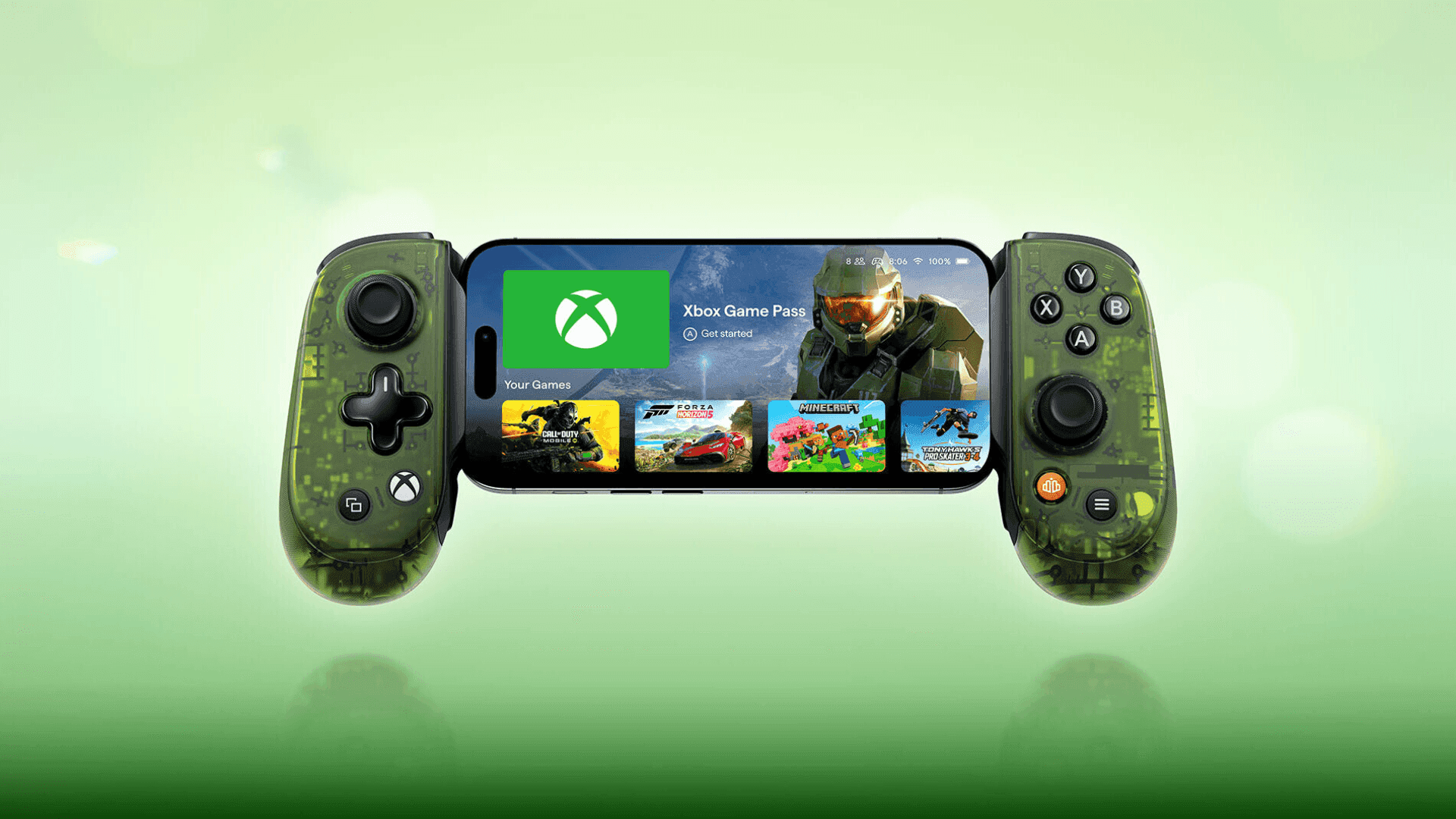
The Backbone Pro – Xbox Edition controller is now available, offering a versatile experience across multiple devices including phones, tablets, PCs, and TVs. It supports both wired USB-C and wireless Bluetooth connections and is designed for extended play sessions.
Additionally, limited edition SpongeBob Movie controllers have been released in celebration of The SpongeBob Movie: Search for SquarePants. These controllers, available in both Xbox Wireless and Xbox Elite Wireless Controller Series 2 models, can be further customized through Xbox Design Lab, including options for engraving and custom button styles.
Expanding Game Access
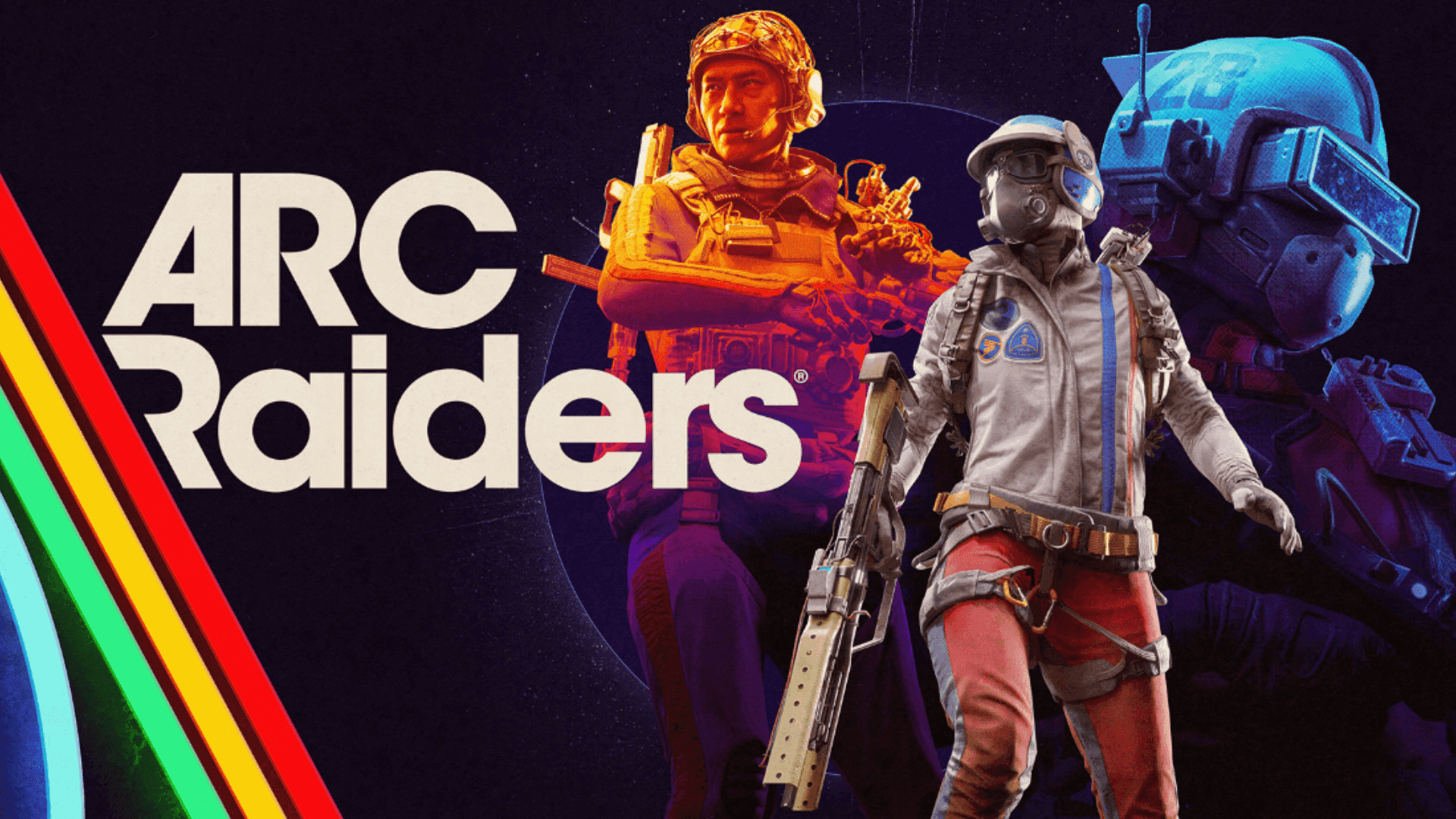
Xbox continues to expand its library of games accessible through Xbox Play Anywhere, Stream Your Own Game, and Retro Classics. Xbox Play Anywhere now includes over 1,000 titles, allowing players to switch between console, PC, and supported handheld devices without losing progress. Recent additions include Dragon Quest I & II HD-2D Remake, ARC Raiders, and Little Nightmares III.
The Stream Your Own Game feature enables Game Pass members to play more than 1,000 of their owned titles on supported devices, including titles such as SpongeBob SquarePants: Titans of the Tide and Train Sim World 6. Retro Classics, in partnership with Antstream Arcade, continues to bring legacy titles like Blackthorne, Lost Vikings 2, and Rock N Roll Racing to modern platforms, with over 100 games planned for future release.
Xbox has also increased support for mouse, keyboard, and touch controls, with over 130 cloud games now compatible with mouse and keyboard and more than 230 titles supporting touch input on mobile devices. This allows players greater flexibility in how they engage with games, including titles such as the Dead Space trilogy, Mass Effect: Andromeda, and It Takes Two.
Shaping the Future of Xbox
Xbox encourages players to join the Xbox Insider Program to provide feedback and gain early access to upcoming features. Community input is considered integral to shaping future updates, ensuring that the platform continues to evolve in ways that meet player needs.
Frequently Asked Questions (FAQs)
What is Gaming Copilot and how do I access it?
Gaming Copilot is a real-time assistant in the Xbox mobile app that provides tips, gameplay guidance, and achievement tracking. Players can access it via the Gaming Copilot tab and interact by voice or text.
Which devices support the Full Screen Experience?
Full Screen Experience is available on a range of Windows 11 devices, including desktops, laptops, and tablets. Windows Insiders can preview FSE on additional devices.
Can I choose the streaming quality in Xbox Cloud Gaming?
Yes. Xbox Cloud Gaming now allows users to select their preferred resolution for supported titles, with options up to 1440p.
Where is Xbox Cloud Gaming available now?
Xbox Cloud Gaming has expanded into India and is also available on LG TVs and Amazon Fire TV devices in Brazil and Argentina. Additional Fire TV support is coming in 2025.
What are Xbox Play Anywhere and Stream Your Own Game?
Xbox Play Anywhere allows players to buy a game once and play it across PC, console, and handheld devices, keeping progress and achievements synced. Stream Your Own Game lets Game Pass members stream over 1,000 of their owned games on supported devices.
What customization options does Xbox Design Lab offer?
Xbox Design Lab allows players to personalize controllers with colors, button styles, rubberized grips, metallic triggers, and engraving. Free engraving is available from November 28 to December 12.
Which new accessories are available in November?
The Backbone Pro – Xbox Edition controller and SpongeBob Movie Limited Edition controllers are available, offering versatility across devices and custom design options.