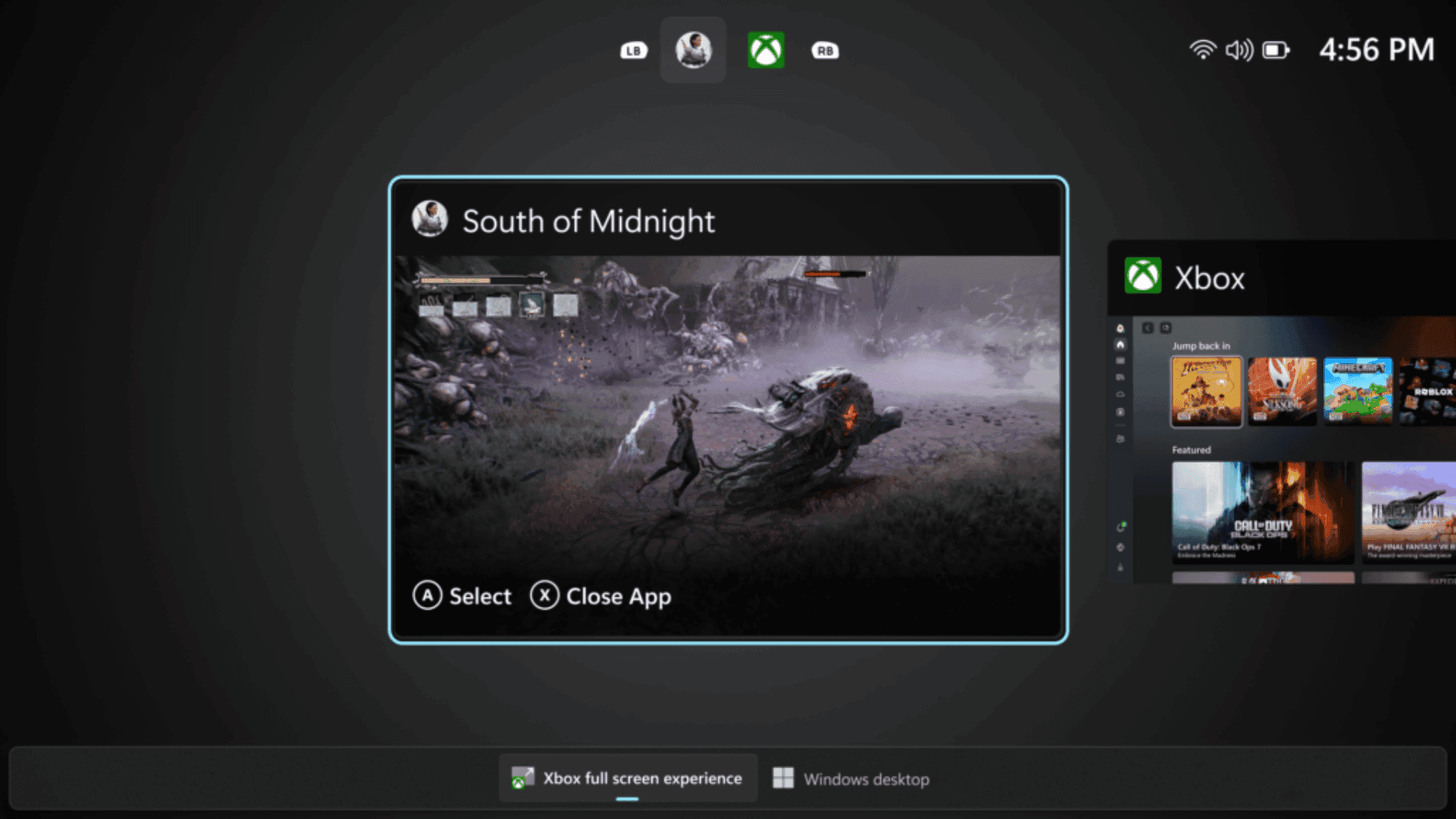
The Acemagic K1 mini PC is emerging as a compact option for gamers who want a small but capable Windows 11 Pro system. Currently available on Amazon for $220, the device features an AMD Ryzen 4300U processor capable of 3.7GHz, 16GB of RAM, and 256GB of storage. Its size and performance make it suitable for gaming setups where space is limited, while supporting up to three monitors for multitasking, streaming, or productivity alongside gaming.
Gaming Performance in a Small Footprint
While not designed to replace high-end gaming desktops, the Acemagic K1 can handle casual gaming, indie titles, and older AAA games without major slowdowns. The combination of the Ryzen 4300U and 16GB of RAM ensures that background apps like Discord, streaming software, and web browsers do not interfere with gameplay. Lightweight emulators and less demanding games run smoothly, making it a practical secondary gaming system or a starter mini PC for budget-conscious players.
Setup Flexibility for Gamers
The K1’s compact design allows it to fit in a variety of gaming environments. It can be mounted behind a monitor using a VESA mount, tucked into a console or streaming setup, or placed on a desk without occupying significant space. Its quiet, high-efficiency cooling system keeps the device running smoothly during longer gaming sessions without the noise typical of full-sized desktops. Multiple monitor support also allows gamers to set up multitasking displays for chat, streaming controls, or secondary game screens.
Value Compared to Alternatives
At $220, the Acemagic K1 is nearly 37% off its usual $349 price, making it a competitive alternative to the Apple Mac Mini, which costs significantly more for similar memory. For gamers looking for a compact PC to handle light gaming, streaming, or game-related multitasking, the K1 delivers performance and versatility at a fraction of the cost.
Ideal Gaming Scenarios
The Acemagic K1 is best suited for casual and indie gamers, content creators who want to integrate gaming with streaming, and users looking to expand their desktop setup without investing in a full tower. It also works well as a dedicated secondary machine for offloading background tasks while keeping the primary PC free for high-end gaming. While it cannot compete with gaming desktops for AAA titles at ultra settings, it provides a reliable, compact, and affordable option for gamers seeking space-saving performance.
Make sure to check out our articles about top games to play in 2026:
Best Nintendo Switch Games for 2026
Best First-Person Shooters for 2026
Best PlayStation Indie Games for 2026
Best Multiplayer Games for 2026
Most Anticipated Games of 2026
Top Game Releases for January 2026
Frequently Asked Questions (FAQs)
What games can the Acemagic K1 run?
The mini PC can handle casual, indie, and older AAA games. Lightweight emulators and less demanding titles also run smoothly.
Can it support multiple monitors for gaming and streaming?
Yes, the Acemagic K1 supports up to three monitors, ideal for multitasking, streaming, and secondary game screens.
How much RAM and storage does it have for gaming?
It comes with 16GB of RAM and 256GB of storage, enough for indie games, productivity apps, and some game libraries.
Is it a good alternative to a Mac Mini for gaming?
Yes, it offers similar memory and processing power at a lower price, making it more accessible for budget-conscious gamers.
Does it come with Windows 11 Pro preinstalled?
Yes, the device comes ready with Windows 11 Pro.
How quiet is the Acemagic K1 during gaming sessions?
The high-efficiency cooling system keeps the PC quiet even under load, making it suitable for extended gaming or streaming sessions.
Is the K1 suitable for AAA gaming?
It is not optimized for high-end AAA games at ultra settings, but it performs well with casual, indie, and older titles.