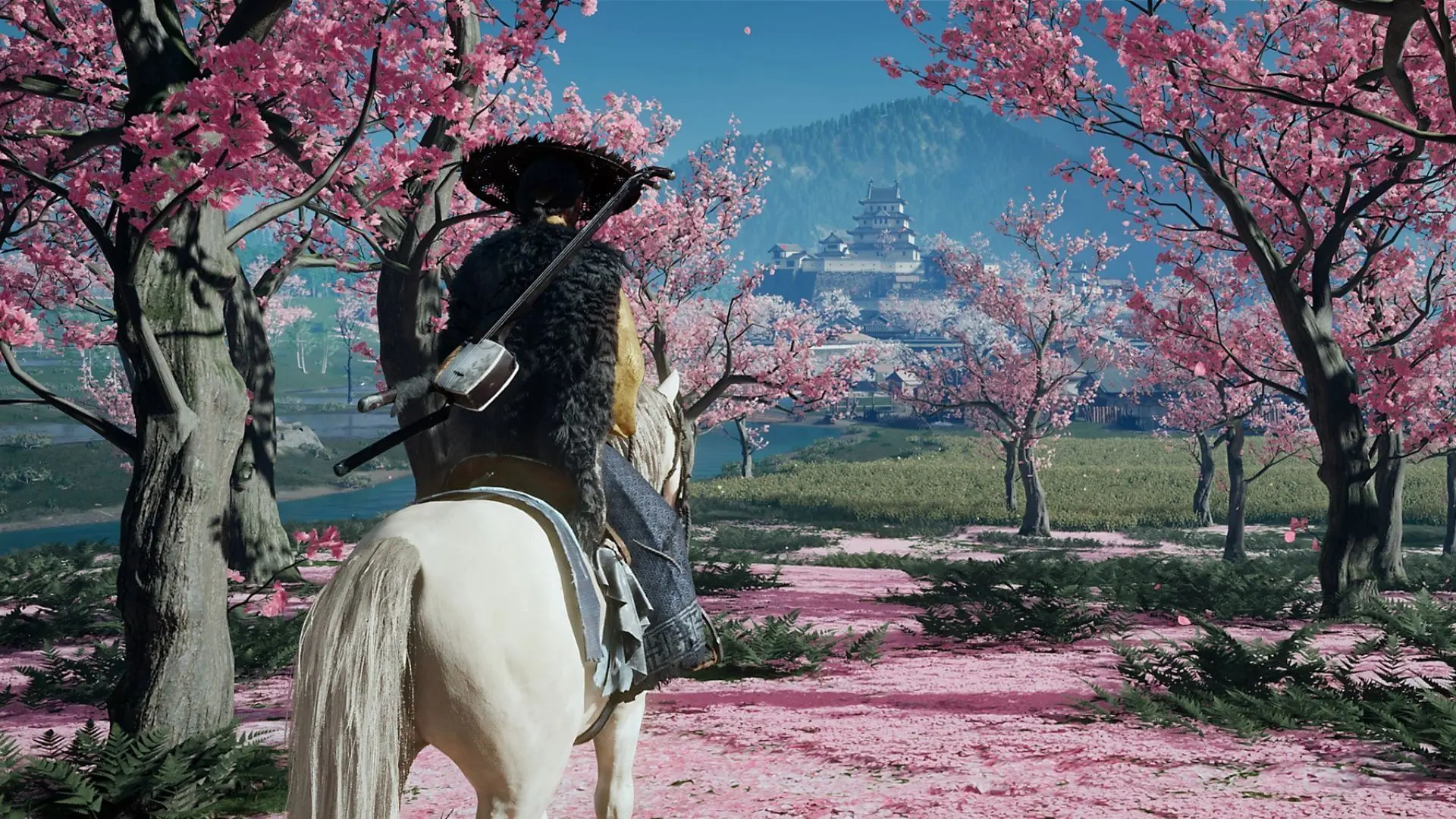

Choosing the right graphics mode in Ghost of Yotei can make or break your experience exploring the stunning landscapes of Ezo. With four distinct visual modes available across PS5 and PS5 Pro, understanding each setting's strengths helps you tailor the game to your preferences and hardware setup.
Whether you prioritize silky-smooth 60fps gameplay or want to experience every ray-traced shadow dancing across Mount Yotei's slopes, this guide breaks down exactly what each mode delivers and when to use them.
What Graphics Modes Does Ghost of Yotei Offer?
Ghost of Yotei provides three core graphics modes on standard PS5, with PS5 Pro adding an exclusive fourth option. Each mode targets different priorities - visual fidelity, performance, or enhanced lighting effects.
Ghost of Yotei: Best PS5 Settings for ...
Here's the complete breakdown of available options:
tip
The Ray Tracing Pro mode is exclusive to PS5 Pro and represents the ultimate visual experience, combining enhanced lighting with smooth 60fps gameplay.
Quality Mode: Maximum Visual Fidelity
Quality mode prioritizes pixel count above all else, delivering the crispest image quality Ghost of Yotei can produce. On standard PS5, you'll get upscaled 4K resolution, while PS5 Pro pushes closer to native 4K through advanced checkerboarding techniques.
When to Choose Quality Mode
This mode excels when you're:
- Taking screenshots or recording gameplay footage
- Playing on large 4K displays where resolution differences are noticeable
- Prioritizing visual clarity over responsive controls
- Exploring scenic areas where frame rate matters less
The 30fps cap means combat feels less responsive, but the visual payoff is substantial. Every blade of grass, architectural detail, and distant mountain peak appears razor-sharp.
important
Quality mode works best for players who don't mind the cinematic 30fps experience and want maximum visual impact.
Performance Mode: Smooth 60fps Gameplay
Performance mode targets 60fps for fluid, responsive gameplay that makes combat encounters feel significantly more engaging. The resolution drops to maintain that smooth frame rate, but the difference in playability is immediately noticeable.
Performance Mode Benefits
- Responsive combat: Parrying and dodging feel precise at 60fps
- Smooth camera movement: Exploring Ezo's vast landscapes becomes more immersive
- Reduced input lag: Your controller inputs register faster
- Better for competitive play: If you're tackling challenging encounters
On PS5 Pro, Performance mode delivers a significant upgrade, pushing resolution much higher while maintaining that crucial 60fps target. The visual quality gap between Performance and Quality modes narrows considerably on the Pro console.
Ray Tracing Mode: Enhanced Lighting at 30fps
Ray Tracing mode introduces realistic lighting effects that transform how Ghost of Yotei looks and feels. While the implementation focuses on shadows and global illumination rather than reflections, the visual improvement is striking in the right scenarios.
Where Ray Tracing Shines
Ray tracing makes the biggest difference in:
- Indoor environments: Castles, temples, and houses benefit from realistic ambient lighting
- Dense forest areas: Light filtering through bamboo and tree canopies looks spectacular
- Shadow-heavy scenes: Mountain valleys and cliff overhangs gain depth and realism
- Photo mode sessions: Enhanced lighting creates more dramatic screenshots
The 30fps limitation means this mode works best for exploration and sightseeing rather than intense combat sequences.
warning
Ray tracing comes with a resolution penalty on both consoles, so the image won't be as sharp as Quality mode.
Ray Tracing Pro Mode: The Ultimate Experience (PS5 Pro Only)
Ray Tracing Pro mode represents the pinnacle of Ghost of Yotei's visual presentation, available exclusively on PS5 Pro. This mode combines ray-traced lighting effects with 60fps performance through Sony's PSSR upscaling technology.
Why Ray Tracing Pro Changes Everything
This mode delivers:
- Best of both worlds: Enhanced lighting with smooth 60fps gameplay
- PSSR upscaling: Maintains visual clarity despite lower internal resolution
- Consistent performance: Rare frame drops outside VRR windows
- Future-proof experience: Takes full advantage of PS5 Pro hardware
The internal resolution ranges from 1440p down to 1080p, but PSSR upscaling maintains image quality that rivals higher resolution modes.
Which Graphics Mode Should You Choose?
Your ideal graphics mode depends on your hardware, display setup, and gaming priorities:
For Standard PS5 Users
- Choose Performance if you prioritize responsive gameplay and smooth exploration
- Choose Quality for screenshot sessions and maximum visual detail
- Choose Ray Tracing when exploring atmospheric locations like temples or dense forests
For PS5 Pro Users
- Ray Tracing Pro offers the best overall experience for most players
- Performance mode provides excellent 4K gaming if you don't need ray tracing
- Quality mode delivers maximum resolution for large display setups
info
Most players find 60fps more impactful than resolution differences, making Performance or Ray Tracing Pro the most popular choices.
Optimizing Your Display Settings
Beyond choosing your graphics mode, several display settings can enhance your Ghost of Yotei experience:
HDR Configuration
Enable HDR if your display supports it - Ghost of Yotei's dynamic range showcases Ezo's diverse environments beautifully.
VRR Support
Variable Refresh Rate helps smooth out occasional frame rate fluctuations, particularly beneficial in Performance mode.
Motion Settings
Disable motion smoothing on your TV to avoid input lag and visual artifacts during fast camera movements.
Making the Final Decision
The "best" graphics mode ultimately depends on your personal preferences and setup. However, these recommendations cover most scenarios:
- Casual exploration: Ray Tracing Pro (PS5 Pro) or Performance (PS5)
- Combat-focused gameplay: Performance mode on either console
- Photography and content creation: Quality mode for maximum detail
- Atmospheric storytelling: Ray Tracing modes for enhanced lighting
Ghost of Yotei's visual modes each serve distinct purposes, and you can switch between them at any time through the Settings > Display menu. Experiment with different modes in various environments to find your perfect balance of visual fidelity and performance.
The game's stunning recreation of historical Hokkaido deserves to be experienced at its best, regardless of which mode you ultimately choose.
For more Ghost of Yotei, check out our guide PS5 Settings for Smooth Gameplay.