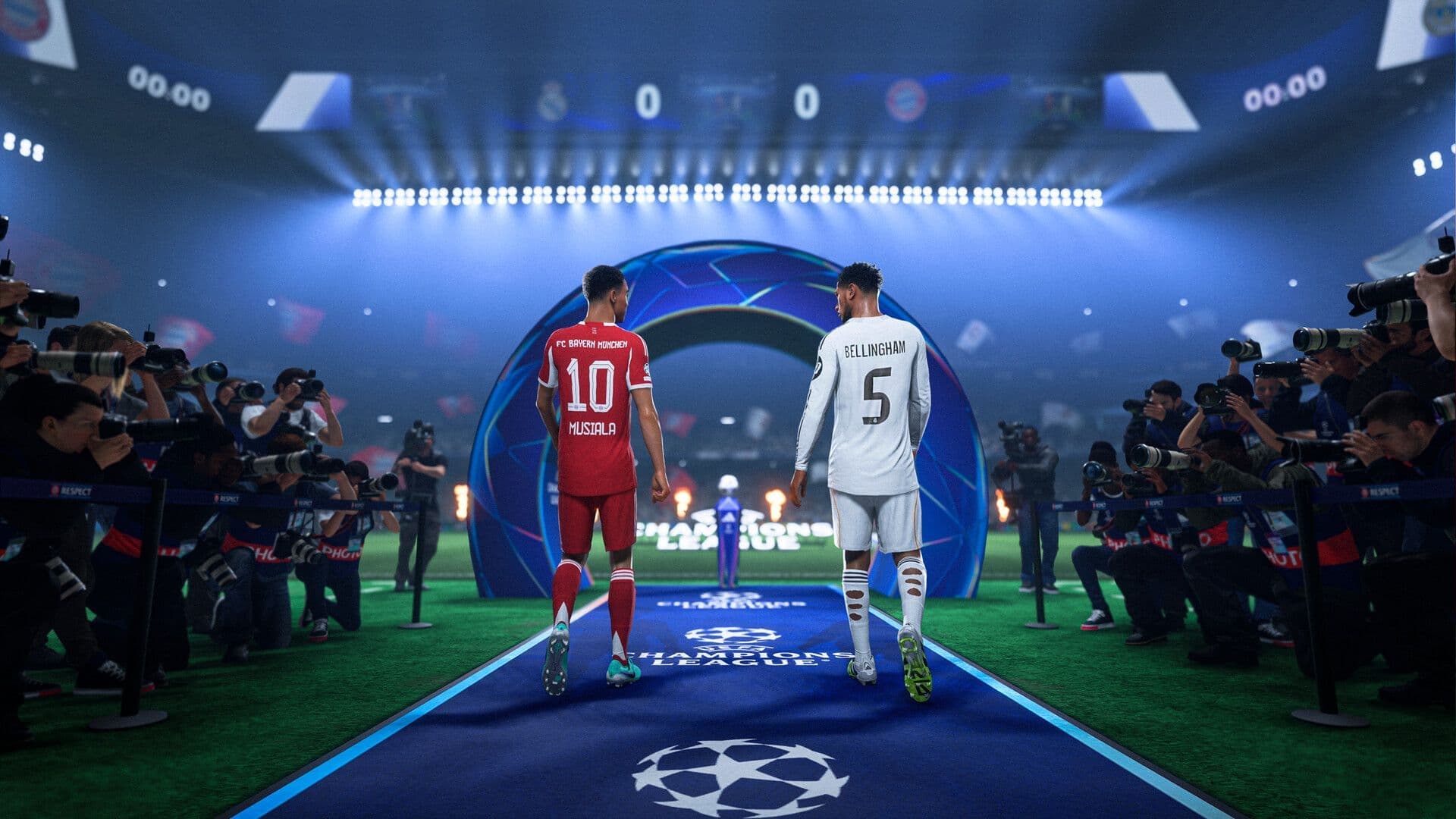

Scoring goals in FC 26 feels incredible, but expressing that joy through the perfect celebration? That's where the real magic happens. EA Sports FC 26 introduces an impressive collection of new celebrations alongside returning favorites, giving you countless ways to showcase your scoring prowess. Whether you're looking to master the new mascot celebrations, nail Thierry Henry's iconic smirk, or execute complex finishing moves, this guide covers every celebration with precise button controls for PlayStation, Xbox, and PC.
What's New in FC 26 Celebrations?
EA Sports FC 26 brings significant updates to the celebration system. You'll discover 14 newly added mascots with their own unique sideline interactions, plus 4 brand new mascot celebrations that add personality to your goal scoring moments. The game also introduces enhanced celebration cutscenes with improved facial expressions and drone camera angles that make your celebrations feel more cinematic than ever.
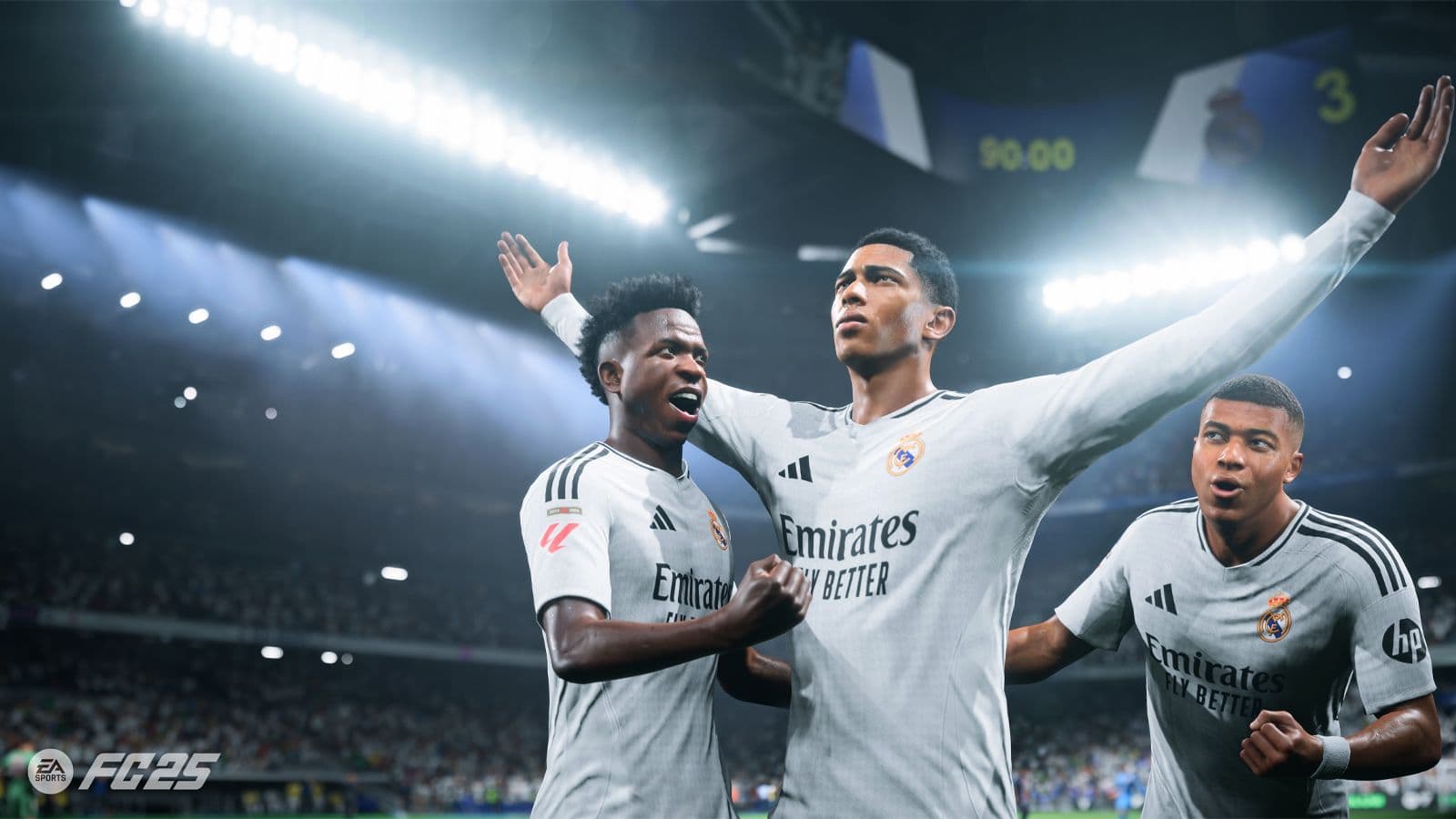
All game-changing new EA FC 25 features ...
The new Thierry Henry smirk celebration has become an instant fan favorite, perfectly capturing the Arsenal legend's confident style. Additionally, FC 26 features improved customization options, including a high contrast mode for better visibility and enhanced celebration animations that flow more naturally into post-goal sequences.
Essential Basic Celebrations
Every FC 26 player should master these fundamental celebration controls first:
These basic moves serve as your foundation. The Signature Celebration automatically triggers your player's unique move, while Random Celebration keeps opponents guessing. Mastering the cancel input proves crucial when you need to quickly transition back to gameplay.
tip
Your player's signature celebration often reflects their real-world personality, making it perfect for authentic moments during important matches.
Running Celebrations That Dominate
When you score and immediately start sprinting, these running celebrations create spectacular moments:
Simple Running Moves:
- Thumb Suck: Hold Square
- Arms Out: Tap Square, then hold Square
- Aeroplane: Hold R3
- Point to Sky: Hold RS up
- Telephone: Hold RS down
Advanced Running Combinations:
- Blow Kisses: Flick RS down, then hold RS up
- Flying Bird: Flick RS right, then hold RS right
- Heart Symbol: Flick RS down, then hold RS down
- Windmill: Spin RS clockwise
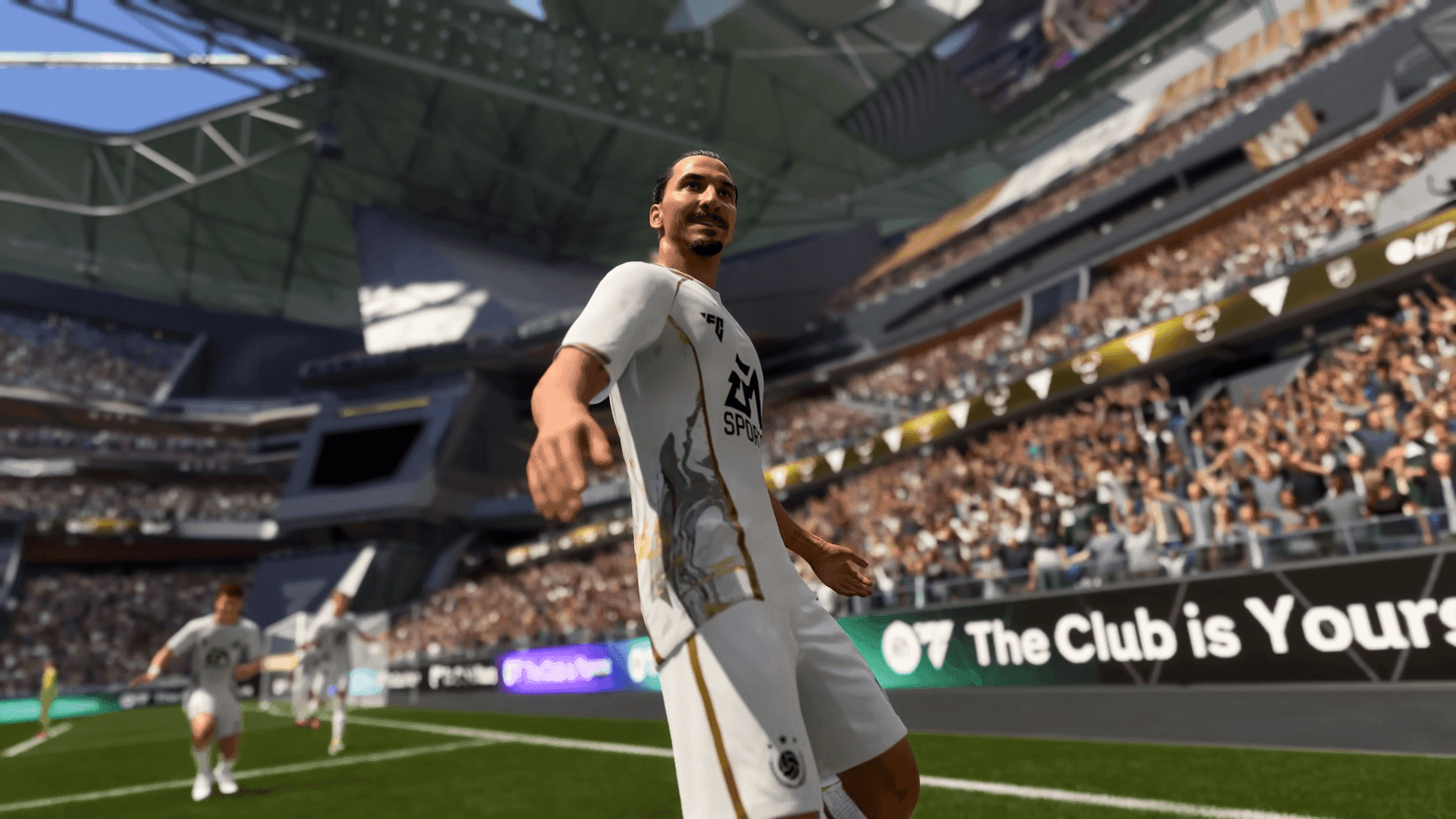
EA Sports FC 26 Preview, EA Sports FC ...
These running celebrations work best when you have space to sprint toward the crowd or corner flag. The Aeroplane celebration particularly shines during crucial goals, while Blow Kisses creates memorable moments when celebrating with fans.
How to Execute Finishing Celebrations?
Finishing celebrations represent the most elaborate moves in FC 26, often requiring specific button combinations:
L1 Combination Celebrations
These moves require holding L1 plus additional inputs:
- Show Respect: Hold L1, double tap Circle
- Flex: Hold L1, press Square
- All Ears: Hold L1, press Triangle
- Who, Me?: Hold L1, hold RS right
- Baby: Hold L1, hold RS left
L2 Advanced Moves
For more complex celebrations, use L2 combinations:
- Timber: Hold L2, press Circle
- Hypnosis: Hold L2, press Triangle
- Cabaret: Hold L2, hold RS up
- Pulse: Hold L2, flick RS left then right
- Guitar: Hold L2, spin RS clockwise
important
Some finishing celebrations require specific player attributes. Agile players can perform the Twist Flip move, while others cannot execute this celebration.
Unlockable Pro Celebrations
As you progress through FC 26, you'll unlock exclusive professional celebrations that showcase advanced skills:
R1 Pro Moves:
- Peace: Hold R1, double tap Square
- High Kick: Hold R1, hold RS up
- Slides and Kisses: Hold R1, hold RS down
- All in One: Hold R1, spin RS anti-clockwise
R2 Elite Celebrations:
- Uncontrolled Backflip: Hold R2, spin RS clockwise
- Kiss the Ring: Hold R2, double tap Triangle
- Sleep: Hold R2, flick RS right then left
- Dance 3: Hold R2, flick RS left then right
These unlockable celebrations often require completing specific objectives or reaching certain milestones in various game modes.
warning
The Uncontrolled Backflip can only be performed by players with high agility ratings, so check your player's stats before attempting.
New Mascot Celebrations Guide
FC 26 introduces four spectacular New Mascot Celebrations that bring stadium atmosphere to life:
- Mascot Celebration 1: Features synchronized dancing with your team's mascot
- Mascot Celebration 2: Interactive high-five sequence with mascot participation
- Mascot Celebration 3: Choreographed routine involving multiple mascot characters
- Mascot Celebration 4: Stadium-wide celebration with crowd participation elements
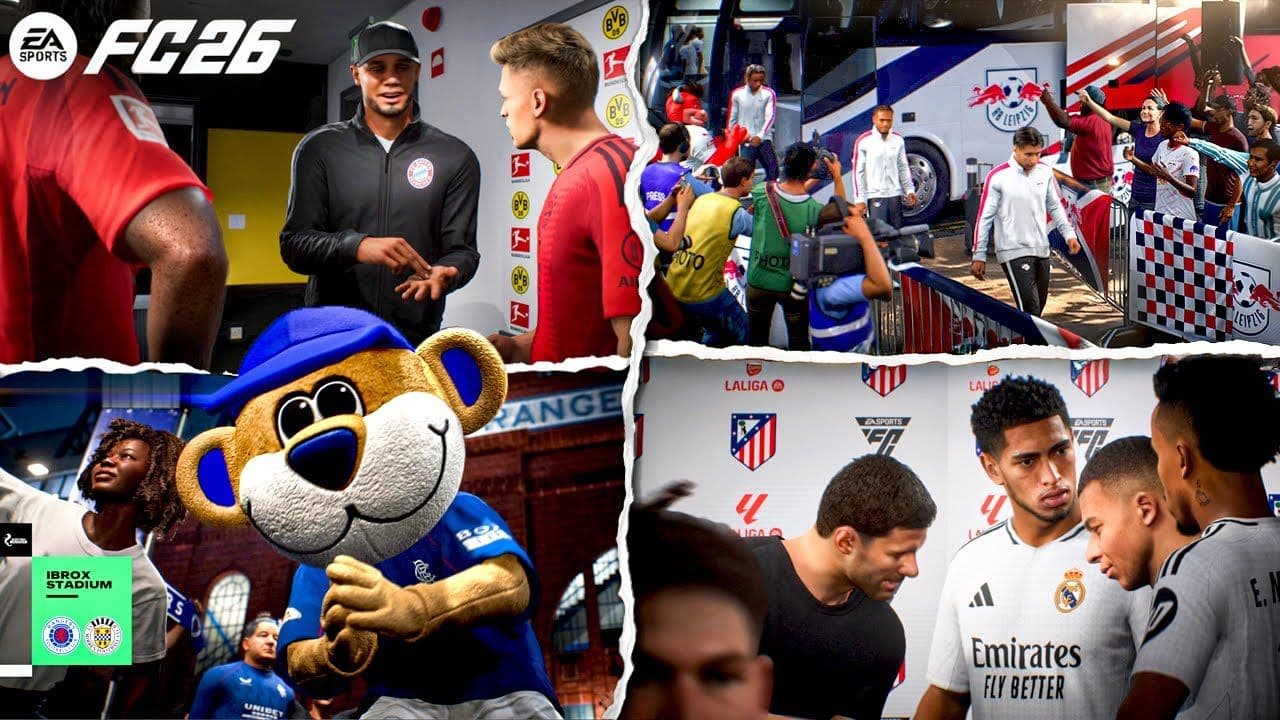
EA SPORTS FC 26 – All New Pre-Match ...
These celebrations automatically trigger based on specific conditions like scoring decisive goals or achieving hat-tricks. The mascot celebrations work particularly well during home matches where your team's mascot appears more prominently.
FC Unlockable Special Moves
The most exclusive celebrations in FC 26 require dedication to unlock:
Premium FC Celebrations:
- KO: Hold L1, double tap Square
- Right Here Right Now: Hold R1, press Circle
- Stand Tall: Hold R1, hold RS left
- Calm Down: Hold L1, double tap Triangle
- Predator: Hold L1, flick RS right twice
These celebrations often become available through Ultimate Team objectives, career mode achievements, or special events. The Predator celebration, in particular, has become highly sought after for its intimidating animation sequence.
Platform-Specific Control Differences
While most celebrations remain consistent across platforms, here are key differences:
PlayStation Controls:
- Use RS (Right Stick) for directional inputs
- L1/L2 and R1/R2 for modifier buttons
- Square/Circle/Triangle/X for action buttons
Xbox Controls:
- Use RS (Right Stick) for directional inputs
- LB/LT and RB/RT for modifier buttons
- X/B/Y/A for action buttons
PC Controls:
- Customize key bindings through Settings > Controls
- Default mouse and keyboard setup available
- Controller support maintains console button layouts
tip
PC players can create custom key bindings for their most-used celebrations, making complex combinations easier to execute during intense matches.
Pro Tips for Celebration Mastery
Timing Your Celebrations:
- Execute celebrations immediately after scoring for best results
- Some moves require specific positioning near ad boards or corner flags
- Selfie celebration only works when positioned next to advertising boards
Strategic Celebration Usage:
- Use Show Respect when playing against former clubs
- All Ears works perfectly for away goal celebrations
- Save elaborate celebrations for crucial or winning goals
Practice Makes Perfect:
- Use training mode to master complex button combinations
- Learn 3-4 signature celebrations rather than attempting everything
- Focus on celebrations that match your playing style
The celebration system in FC 26 offers incredible depth for personal expression. Whether you prefer simple signature moves or complex choreographed sequences, mastering these controls transforms every goal into a memorable moment. Start with basic celebrations, gradually incorporate running moves, and work toward unlocking the exclusive pro and FC celebrations that truly set your goals apart.
For more EA Sports FC 26, learn how to spot every Walkout Animation with our guide.