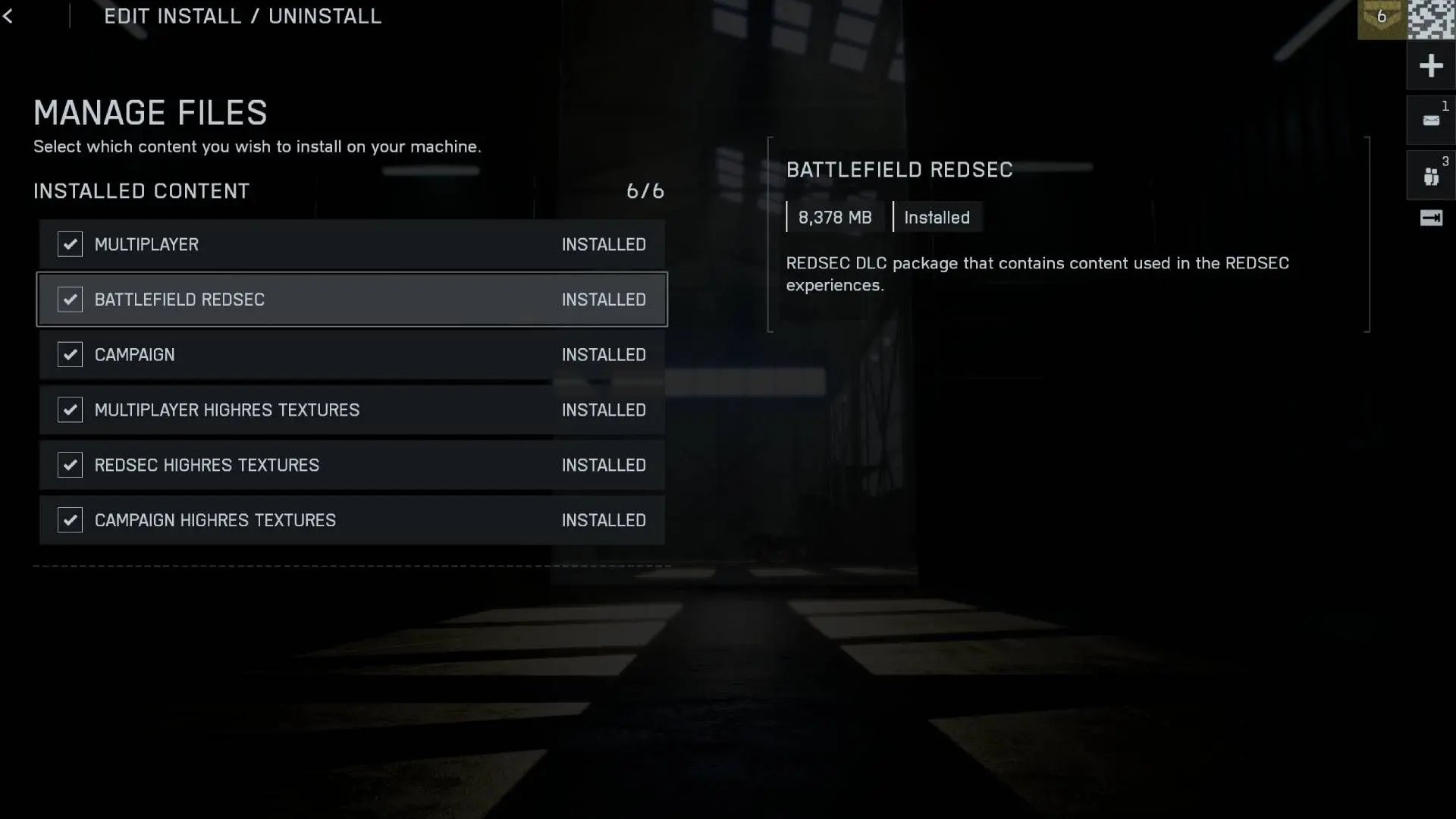

Getting your PS5 & XBOX dialed in for Battlefield RedSec can make the difference between frustrating defeats and satisfying victories. You'll want every advantage possible when bullets start flying, and that means optimizing your console settings for peak performance. This guide transforms your PS5 into a competitive powerhouse with settings that prioritize smooth framerates, crystal-clear enemy visibility, and lightning-fast controller response.
What Graphics Mode Should You Choose on PS5 & XBOX?
Your first critical decision happens in the graphics menu. Performance mode beats Fidelity mode every single time for competitive play. While Fidelity mode might look prettier in screenshots, Performance mode delivers the smooth framerates that actually win gunfights.
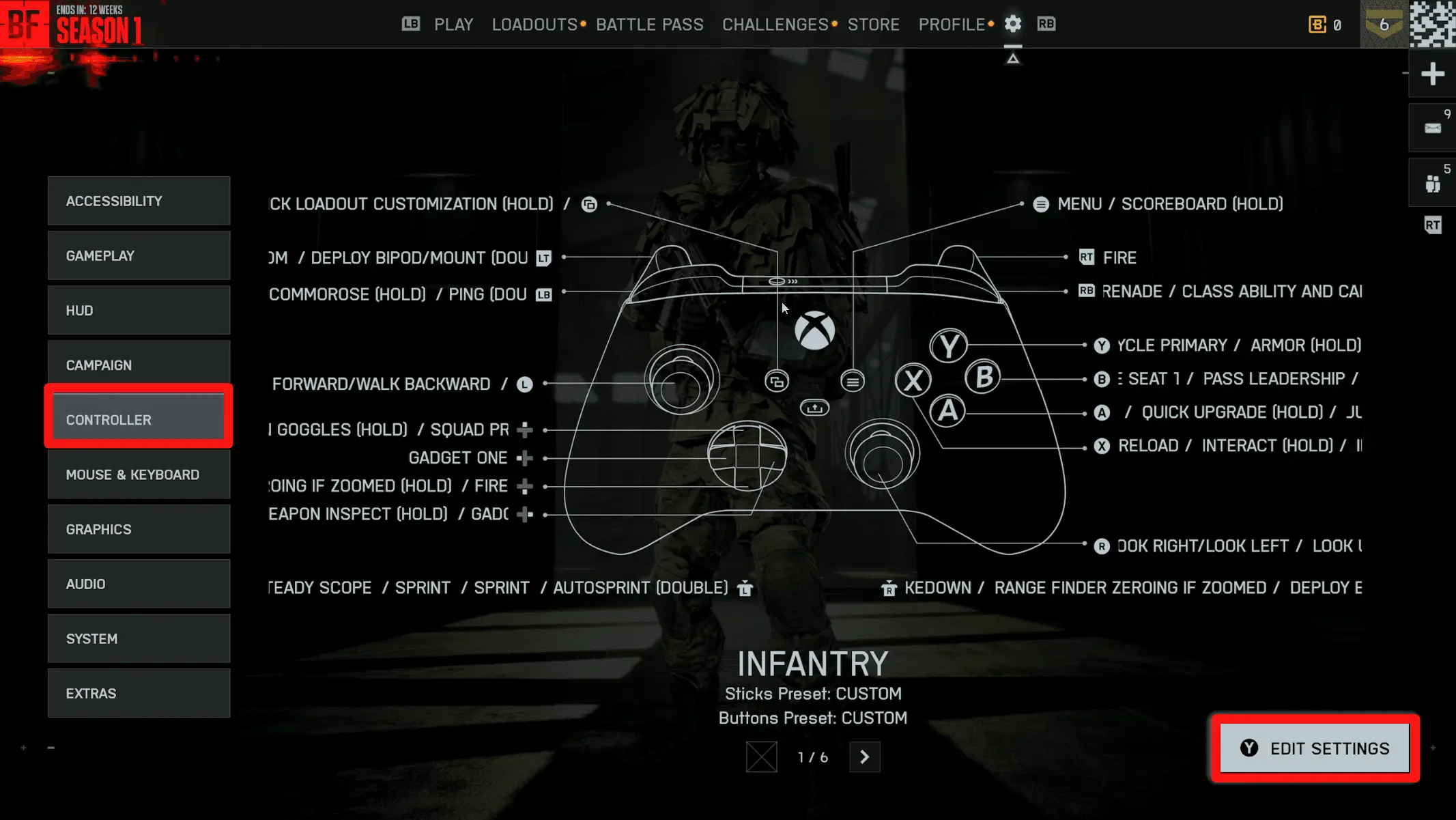
PS5 settings in Battlefield 6 Redsec ...
Here's your optimal graphics configuration:
Tip
If your TV or monitor has a Game Mode, enable it alongside these settings for reduced input lag.
Camera Settings
Your camera configuration directly impacts how much battlefield awareness you gain. Field of View (FOV) becomes your secret weapon here.
Set your FOV to 105-110 for infantry combat. This sweet spot gives you peripheral vision without making distant enemies impossibly small. For vehicle combat, dial your Vehicle 3rd Person FOV to 82-83 to maintain proper spatial awareness.
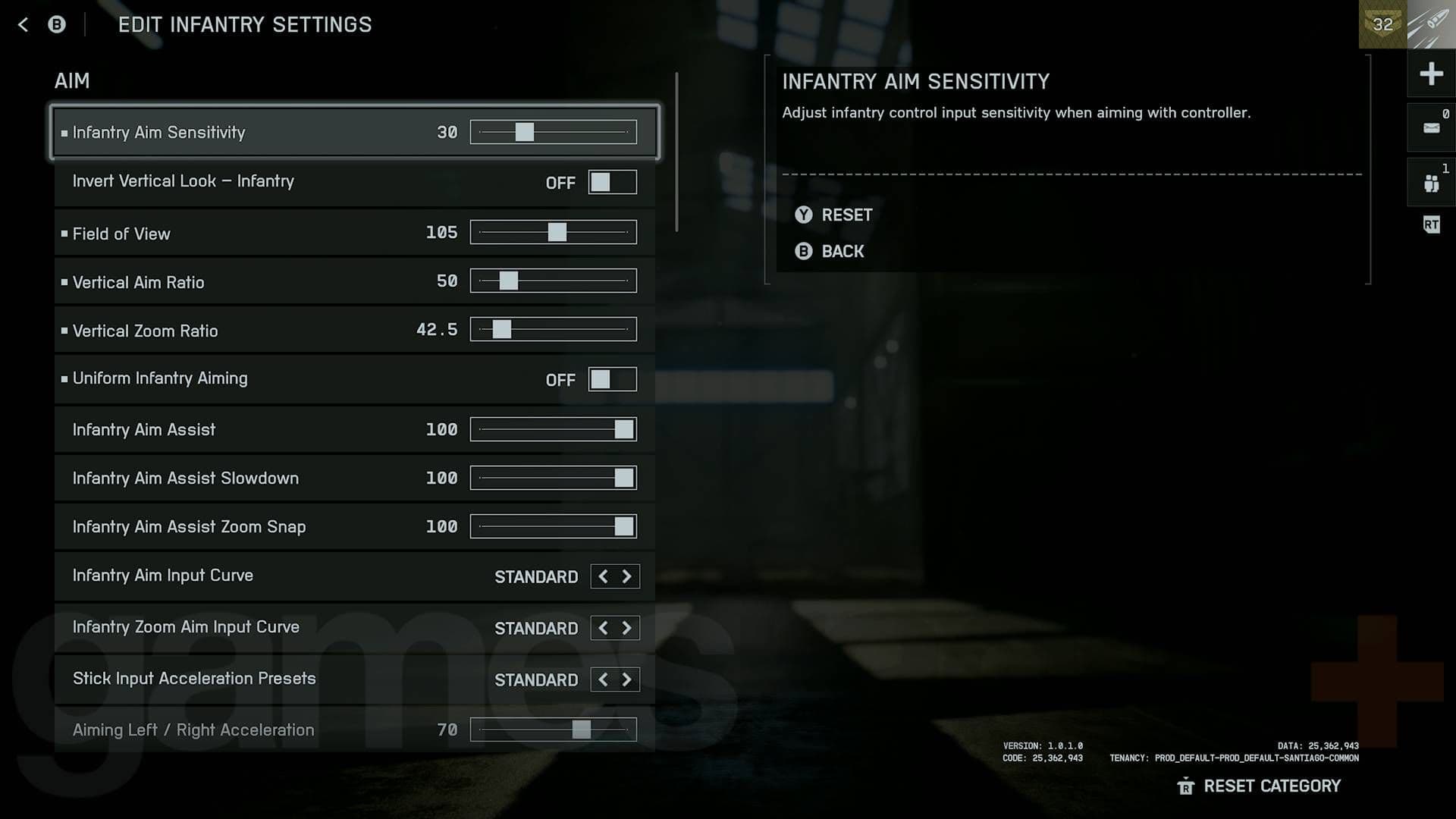
Best Battlefield 6 Redsec controller ...
Essential Visual Clarity Tweaks
These settings eliminate distracting visual noise:
- Weapon Motion Blur: Off
- World Motion Blur: Off
- Camera Shake Amount: 50 (or lower)
- Chromatic Aberration: Off
- Film Grain: Off
- Vignette: Off
Warning
Motion blur might look cinematic, but it obscures enemy movement during intense firefights.
Controller Settings
Your controller configuration can make or break your aim. Start with these foundational adjustments:
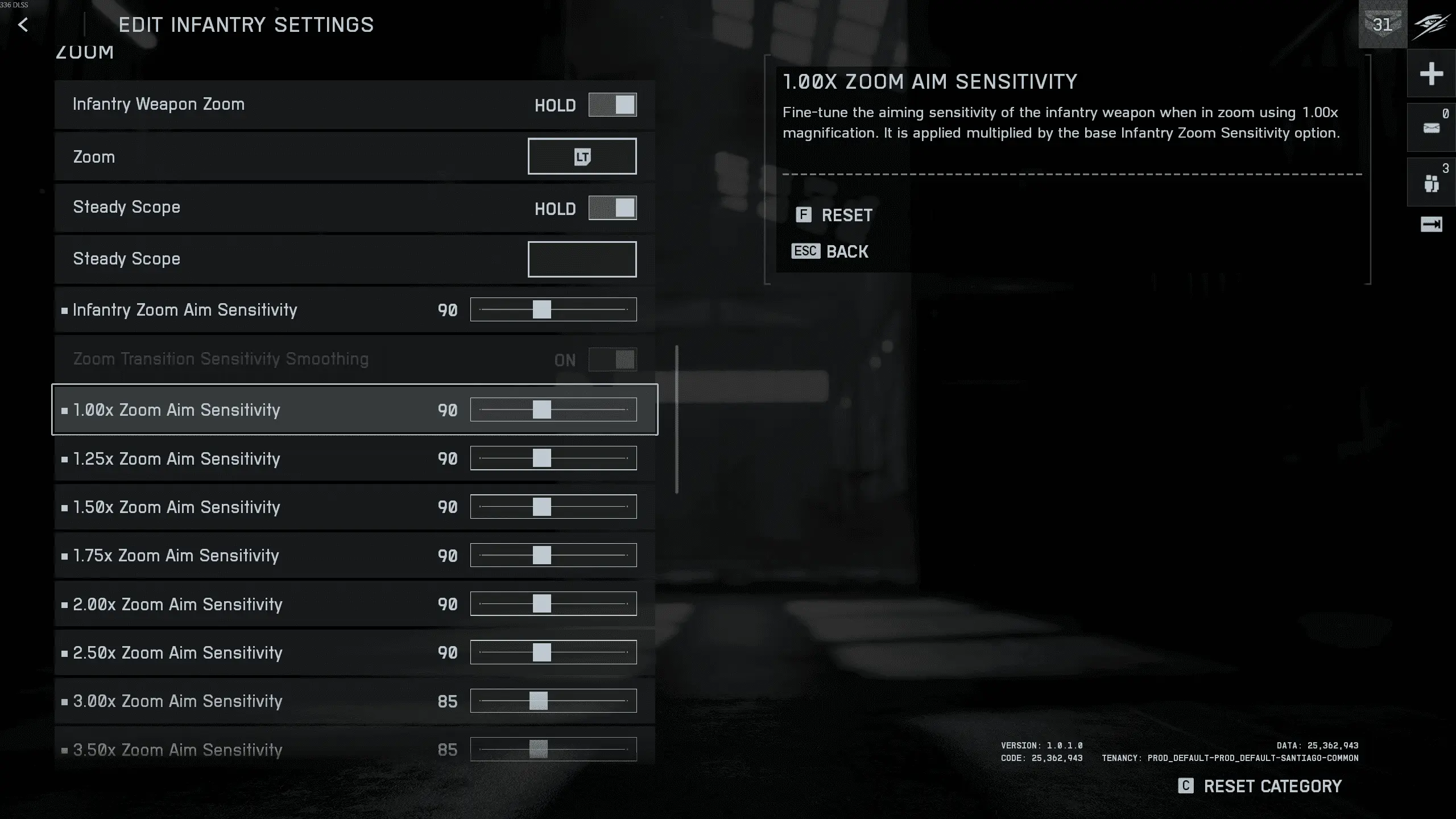
Battlefield REDSEC Best Controller ...
Uniform Infantry Aiming deserves special attention. Enable this setting to maintain consistent sensitivity between hip-fire and aimed shots, building reliable muscle memory.
Important
Lower deadzones mean more responsive controls, but go too low and you'll get stick drift. Find your controller's sweet spot.
Audio Settings
Sound design in Battlefield RedSec provides crucial tactical information. Configure your audio to hear enemy footsteps, vehicle approaches, and directional gunfire clearly.
Select Headphones as your audio output even if you're using speakers. This setting enhances directional audio cues that help you track opponents before they appear on screen.
Audio Priority Configuration
- Music Volume: 20-30% (or muted entirely)
- Sound Effects: 100%
- Voice/Dialogue: 80-90%
Reducing music volume lets critical audio cues punch through the mix. You'll hear that enemy Recon flanking your position or the distant rumble of an approaching tank.
HUD and Interface Optimization
Your HUD setup determines how much information you process during combat. Minimap Size should be set to Small or Medium to avoid blocking your peripheral vision while still providing essential intel.
[IMAGE: HUD customization settings interface]
Advanced HUD Recommendations
Tip
The SOVIS Filter helps highlight important elements without overwhelming your screen with information.Vehicle-Specific Settings
Vehicle combat requires different sensitivity settings than infantry play. Vehicle Aim Sensitivity should range from 30-70, significantly higher than the default 20.
For aircraft specifically, enable Invert Vertical Flight and set Aircraft Control Sensitivity to 100. These settings align with traditional flight control schemes that most players find intuitive.
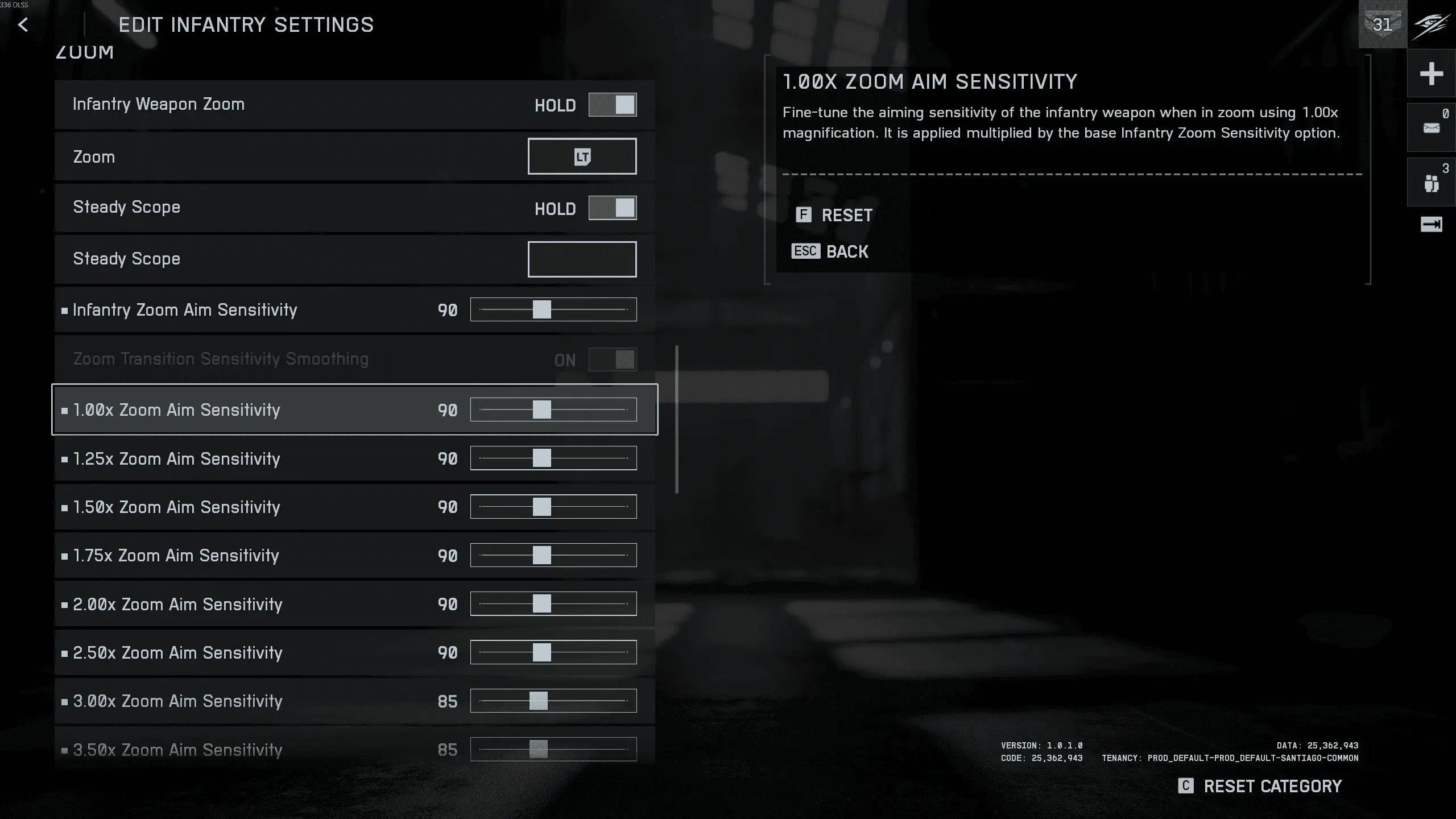
Battlefield REDSEC Best Controller ...
Ground Vehicle Optimization
- Decouple Aiming from Turning: On
- Vehicle 3rd Person FOV: 82-83
- Gunner Aim Sensitivity: 65-100
This configuration separates your turret control from vehicle movement, allowing precise targeting while maneuvering.
Your Battlefield RedSec console setup now prioritizes what matters most: smooth performance, clear visuals, and responsive controls. These settings eliminate the technical barriers between you and battlefield dominance. Jump into your next match with confidence, knowing your console is optimized for competitive success.