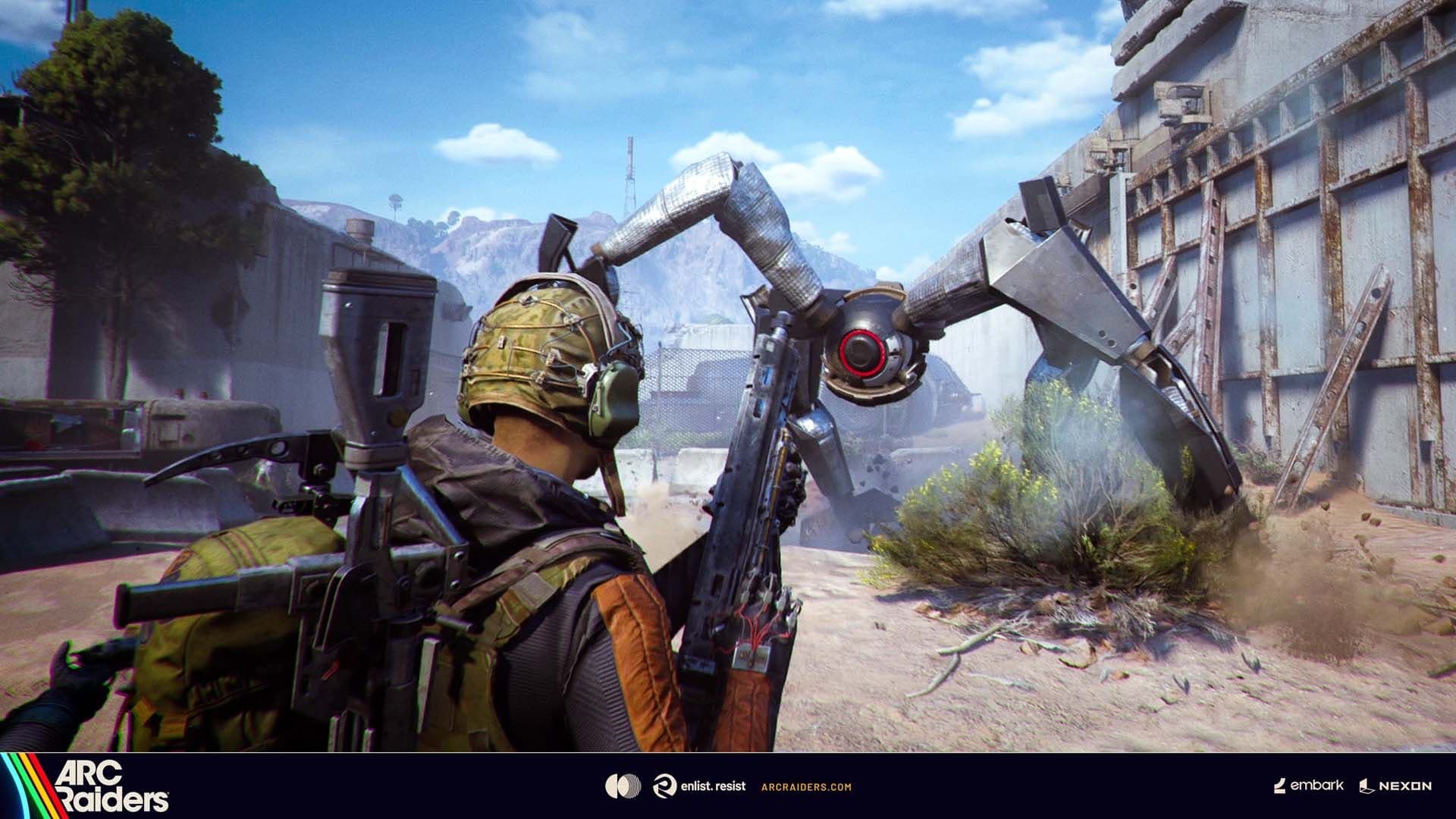

Getting out alive in Arc Raiders isn't just about surviving firefights and dodging killer machines. The real test comes when you're loaded with loot and need to make it back to Speranza in one piece. You've got valuable gear, quest items, and resources weighing you down, but extraction points are loud, dangerous, and heavily contested.
Here's the thing: extraction is where most Raiders lose everything. One wrong move, poor timing, or bad positioning can turn a successful run into a complete loss. Understanding how extraction mechanics work, when to leave, and which method to use can mean the difference between building your arsenal and starting from scratch with a Free Loadout.
What Are Extraction Points and Why Do They Matter?
Extraction points are your ticket home to Speranza with all the loot you've collected during your topside run. Without successfully extracting, everything you've gathered disappears when you die. You'll respawn in the settlement empty-handed, forced to start over.
The game features two primary extraction methods: elevators (and metro stations on certain maps) and Raider Hatches. Each has distinct advantages and risks that you need to weigh based on your situation, gear, and how much time remains in the match.
Important
If you disconnect during a raid, you can reconnect and regain control of your character as long as the match is still active. Your character stops moving when you lose connection, but other players can still eliminate you while you're offline.

How Cargo Elevators and Metro Stations Work
Elevators are the most common extraction method because they don't require special items to use. You'll find them marked clearly on your map with countdown timers showing how long they remain available.
Here's what you need to know about using elevators:
Activation Process:
- Approach the elevator control panel
- Press the interaction button to call the elevator
- Wait for the elevator to arrive (this takes time and makes noise)
- Enter the elevator when it opens
- Pull the lever inside to activate extraction
The elevator creates a loud alarm when you call it, broadcasting your position to everyone nearby. This noise attracts both ARC machines and hostile Raiders looking to ambush you. You're essentially announcing "I have loot worth stealing" to the entire area.
Once inside, the elevator automatically departs after 90 seconds. You can pull an internal lever to leave immediately, but this action takes several seconds to complete, leaving you vulnerable if enemies rush in at the last moment.
Metro Stations on Buried City work similarly but take you underground first before extraction completes. The mechanics remain identical to elevators.
Understanding Extraction Timers and Map Closures
The countdown timers next to extraction points on your map show how long until that specific exit closes permanently. This is critical to understand because many new Raiders misinterpret these timers.
When a timer hits zero, that extraction point shuts down for the rest of the match. You cannot use it anymore. As the match progresses, fewer extraction points remain available, forcing remaining players toward the same exits.
Tip
Extract early in the match when multiple exits are available. Waiting until late game forces you to compete with other survivors over the last remaining extraction point, creating unavoidable PvP encounters.
The deeper you stay in a raid, the more dangerous extraction becomes. Eventually, only one exit remains open, and every surviving player converges on that location. Even if you negotiate a truce with other Raiders, someone might break the agreement and eliminate everyone for their loot.

Using Raider Hatches for Silent Escapes
Raider Hatches represent the safest extraction method in Arc Raiders, but they come with a significant cost. These hatches require a Raider Hatch Key, a single-use consumable item that's expensive and difficult to obtain.
When you unlock a Raider Hatch:
- The hatch opens silently without alerting nearby players or machines
- You and your squad have a few seconds to enter before it closes
- No waiting period exists once the hatch opens
- Other players can use your opened hatch if they're fast enough
Raider Hatch Keys come from three sources:
- Crafting in your Workshop (requires rare components)
- Random loot drops topside (very rare)
- Purchasing from Shani, the vendor NPC in Speranza
The key's rarity makes this extraction method a luxury reserved for high-value runs where you're carrying exceptional loot or critical quest items. Most players can't afford to use hatch keys on every raid.
Warning
Store your Raider Hatch Key in a Safe Pocket slot before deploying. If you die with the key in your regular inventory, you lose it permanently along with everything else you're carrying.
What Happens When the Final Timer Expires?
When the countdown at the top of your screen reaches zero, the entire map gets bombed. Every remaining player dies instantly, regardless of their position, gear, or health status.
This serves as the hard time limit for each raid. You lose all equipment and collected loot just as if another player had eliminated you. The only items you keep are whatever you placed in your Safe Pocket slots before the match started.
The bombing creates spectacular visuals, but it's an expensive way to end your run. Always monitor the main timer and plan your extraction route with enough buffer time to reach an available exit.
Strategic Positioning Around Extraction Points
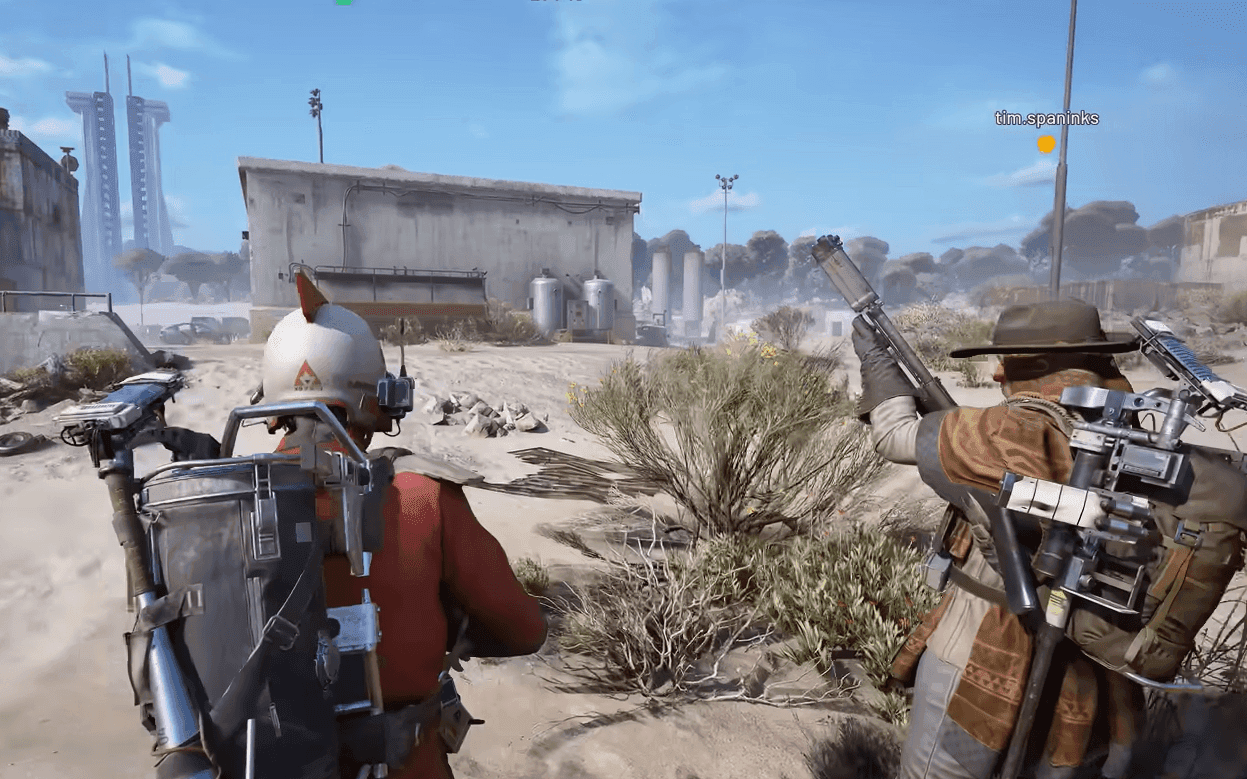
Successful extraction requires more than finding an elevator and pressing a button. You need to approach extraction points tactically, especially when other players are nearby.
Before Calling the Elevator:
- Scout the area for 30-60 seconds
- Check rooftops, windows, and corners for campers
- Listen for footsteps and equipment noise
- Verify no ARC patrols are converging on your position
After Activation:
- Don't stand directly next to the elevator while waiting
- Find cover with line of sight to the entrance
- Watch for players rushing toward the noise
- Be ready to defend or reposition if threatened
Extract campers are real and common. Players stake out popular extraction points, waiting for Raiders to call elevators before ambushing them. The loud alarm gives campers plenty of warning to set up perfect angles.
Bringing smoke grenades significantly improves your survival chances. Deploy smoke when the elevator arrives, obscuring enemy sightlines while you sprint inside and activate the departure lever.
Managing Safe Pockets for Quest Items
Safe Pockets are special inventory slots that preserve their contents even if you die during a raid. Items in Safe Pockets return to Speranza with you regardless of how the match ends.
This mechanic is crucial for quest completion. Many quests require bringing back specific items marked with a diamond icon on their inventory tile. Losing these items to death means starting the quest over from scratch.
Always place quest items in Safe Pockets immediately after finding them. Don't wait until you're near extraction. One unexpected encounter could eliminate you and destroy hours of progress.
Safe Pocket capacity varies based on your equipped Augment. Higher-tier Augments provide more Safe Pocket slots, but they're also riskier to bring into matches since you lose the Augment itself if you die.
Tip
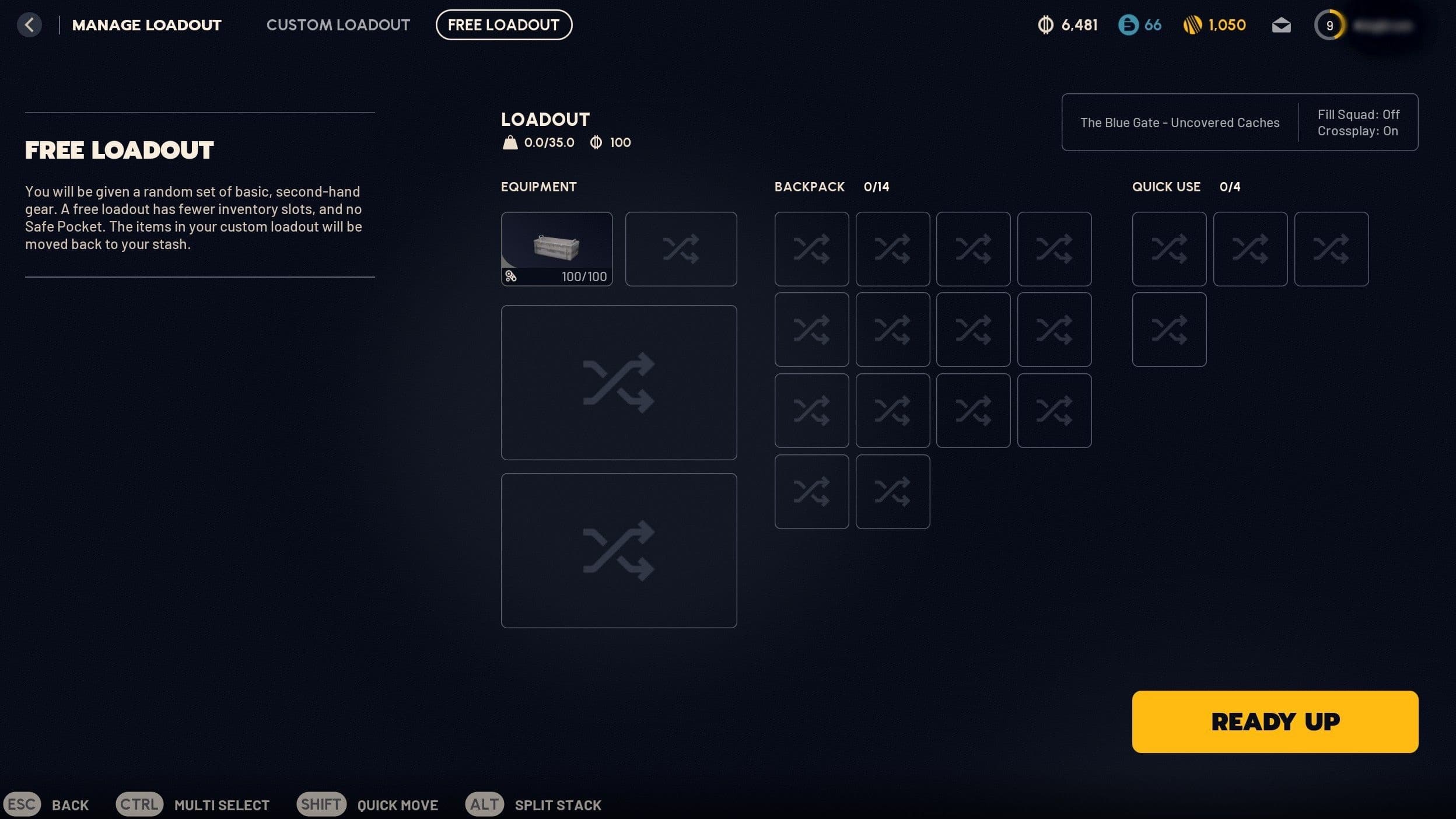
Free Loadouts don't include any Safe Pockets. If you're using a Free Loadout for a quest item run, you must extract successfully or lose everything.
Dealing with ARC Machines Near Extraction
ARC machines patrol extraction points aggressively. Snitches circle in the air looking for Raiders, Leapers guard ground approaches, and Ticks hide inside structures waiting to ambush unsuspecting players.
You have two options when facing ARC near your extraction:
Option 1: Avoid Combat
- Use stealth and cover to reach the extraction point undetected
- Stay out of Snitch sight lines
- Move slowly and quietly to avoid triggering proximity sensors
- Wait for patrols to pass before making your move
Option 2: Eliminate Threats
- Focus on flying units first (Snitches, Wasps, Hornets)
- Shoot rotors on flying ARC to disable them quickly
- Two destroyed rotors typically grounds most flying machines
- Clear immediate area before calling your extraction
Flying ARC units have unarmored rotors that represent critical weak points. Shooting these rotors causes the machine to lose balance and eventually crash. Hornets keep their vulnerable rotors on the back, while Wasps expose rotors on all sides.
Coordinated squads can simultaneously target all rotors on a single machine, bringing it down in seconds. Solo players should prioritize the easiest shots and be prepared to disengage if reinforcements arrive.
Proximity Chat and Negotiating Safe Passage
Arc Raiders includes proximity voice chat, allowing you to communicate with nearby players even if they're not in your squad. This creates opportunities for negotiation, especially during late-game extraction scenarios.
When multiple squads converge on the final extraction point, you can:
- Propose a truce where everyone extracts safely
- Offer to share the elevator without fighting
- Coordinate ARC defense while waiting
- Use emotes to show non-hostile intent
Some players honor these agreements. Others use negotiations as distractions before opening fire. Trust your instincts and maintain defensive positioning even during peaceful talks.
The Push-to-Talk (Proximity Chat) button enables local voice communication. Combine this with emotes to signal your intentions clearly when approaching other Raiders.
Optimizing Your Loadout for Extraction Success
Your equipment choices directly impact extraction success rates. Certain items and configurations make escaping significantly easier.
Essential Extraction Gear:
- Smoke Grenades: Obscure vision during elevator boarding
- Bandages: Heal damage taken during approach
- Shield Rechargers: Restore shield energy before extraction
- High-Mobility Augments: Faster movement to reach exits quickly
Consider bringing a Defibrillator if you're running with a squad. Reviving a downed teammate near extraction can save their loot and complete their quest objectives. Standard revives take several seconds and leave you exposed, while Defibrillators work almost instantly.
Weight management matters when sprinting toward extraction under fire. Holstering your weapons increases movement speed, helping you cover open ground faster. Drop low-value items if you're over-encumbered and need maximum mobility.
Free Loadout Extraction Strategies
Using a Free Loadout changes your extraction approach entirely. You spawn with low-tier gear, limited inventory space, and zero Safe Pockets. This makes you vulnerable but also creates zero-risk opportunities for quick resource runs.
Free Loadout extraction tactics:
- Extract early with whatever you find immediately
- Don't engage other players unless absolutely necessary
- Focus on gathering basic components rather than rare items
- Use the Augment you spawned with as tradeable currency
Even if you extract with minimal loot, the Augment from your Free Loadout has value. Trade it to vendors in Speranza for useful components or currency. This turns every Free Loadout run into a profitable venture regardless of what you find topside.
Free Loadouts are perfect for completing location-based quests that don't require bringing back items. Visit the required areas, complete objectives, and extract immediately without risking valuable gear.
Advanced Timing and Map Knowledge
Experienced Raiders develop mental maps of extraction point locations across all four major areas: Dam Battlegrounds, Buried City, Blue Gate, and The Spaceport.
Understanding the map layout helps you:
- Calculate distance to nearest extraction from any position
- Plan efficient looting routes that end near exits
- Identify backup extraction options if your first choice is camped
- Estimate travel time needed to reach exits before they close
Each map features different extraction point distributions and terrain challenges. Dam Battlegrounds has more forest cover for stealthy approaches, while Buried City's urban environment creates more chokepoints and ambush opportunities.
Special Conditions like Night Raids or Electromagnetic Storms alter extraction dynamics. Night Raids reduce visibility, making stealth approaches easier but also making it harder to spot threats. Electromagnetic Storms might affect certain extraction types or create new tactical considerations.
What to Do After a Failed Extraction
Dying before extraction feels terrible, but it's part of Arc Raiders' core loop. You lose everything except Safe Pocket contents, forcing you to rebuild.
Post-death recovery steps:
- Check Scrappy the Rooster for free resources he collected
- Claim any completed quest rewards from vendors
- Recycle or sell excess items from your stash
- Repair damaged equipment that survived in Safe Pockets
- Plan your next loadout based on remaining resources
Scrappy provides free components regardless of whether you extracted successfully. He's your safety net during losing streaks, ensuring you always have some materials to work with.
Tip
Don't immediately jump into another raid after a bad death. Take time to reorganize your stash, repair equipment, and plan a more conservative approach for your next run.
Extraction Checklist for Maximum Success
Before heading topside, mentally review this checklist:
□ Quest items identified and Safe Pocket space reserved □ Healing items and shield rechargers equipped □ Smoke grenades or defensive gadgets included □ Map studied for extraction point locations □ Current extraction timers checked □ Raider Hatch Key in Safe Pocket (if bringing one) □ Augment appropriate for expected loot volume □ Backup extraction routes planned □ Squad communication established □ Scrappy checked and rewards claimed
Extraction in Arc Raiders rewards patience, map knowledge, and tactical thinking. The loudest, most obvious exits often become deathtraps for greedy Raiders. Master the timing, use the right tools, and you'll consistently return to Speranza with your hard-earned loot intact.