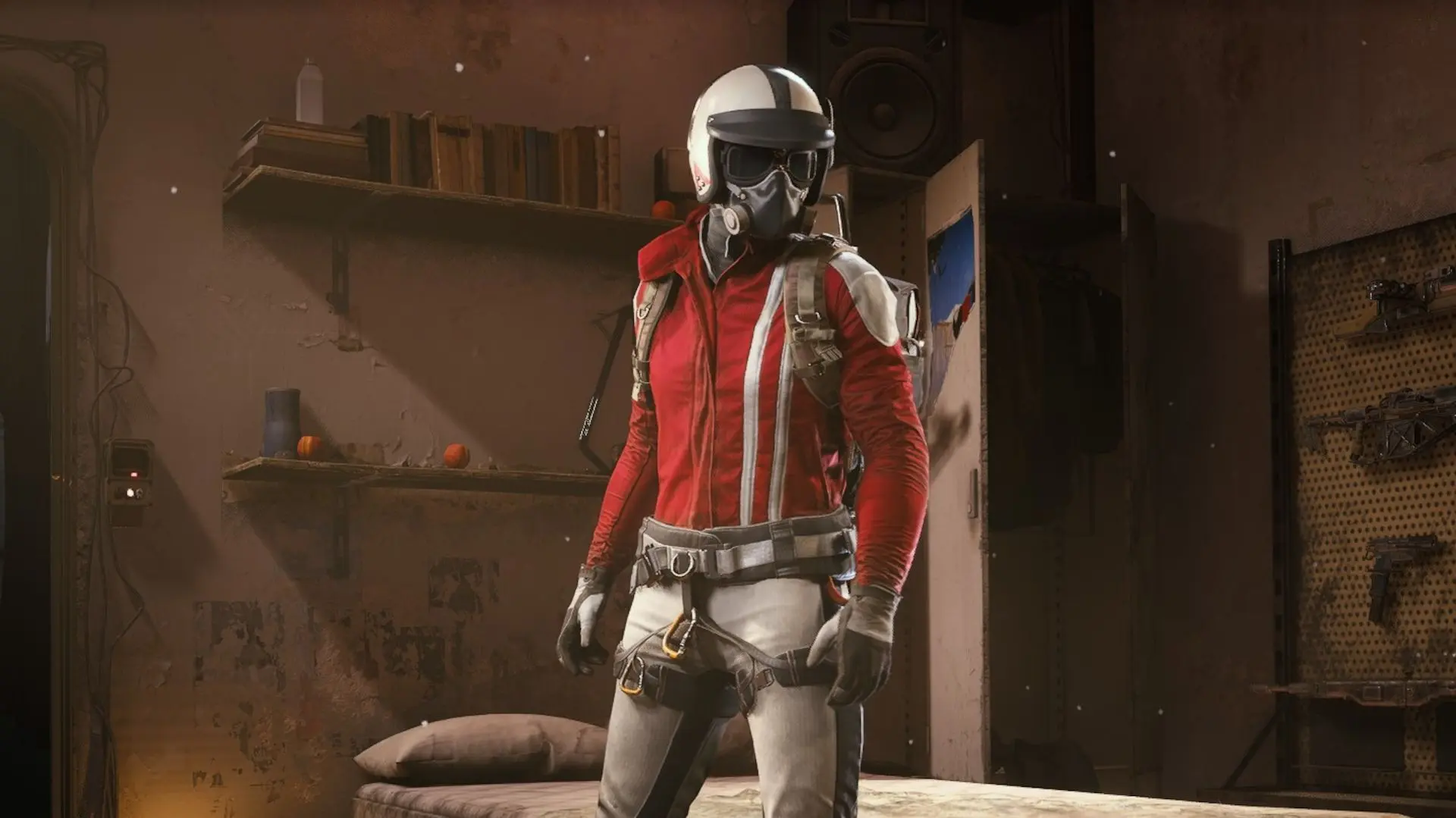

Embark Studios is offering Arc Raiders players a limited-time opportunity to unlock the Red Ryder skin set for free through a crossover promotion with The Finals. The process is simple, does not require any purchases, and can be completed in about one to two hours if all steps are followed correctly. This guide focuses only on the exact steps needed to get the Red Ryder skin and avoid common issues that prevent the reward from appearing.
What Is the Red Ryder Skin Promotion?
The Red Ryder skin is part of a cross-promotion between Arc Raiders and The Finals, both developed by Embark Studios. By completing a short gameplay requirement in The Finals and linking your Embark ID, you will receive exclusive cosmetics directly in Arc Raiders.
There is currently no confirmed end date for this promotion, so it is recommended to complete it as soon as possible before the offer is removed.
What You'll Actually Receive
Completing this promotion grants you three distinct cosmetics that automatically appear in your inbox:
- Ryder (Red) outfit - The main attraction featuring vibrant red coloring
- Salvager (Black) backpack - A sleek black pack to complement your look
- Soccer Finals Ticket charm - A unique accessory celebrating the crossover
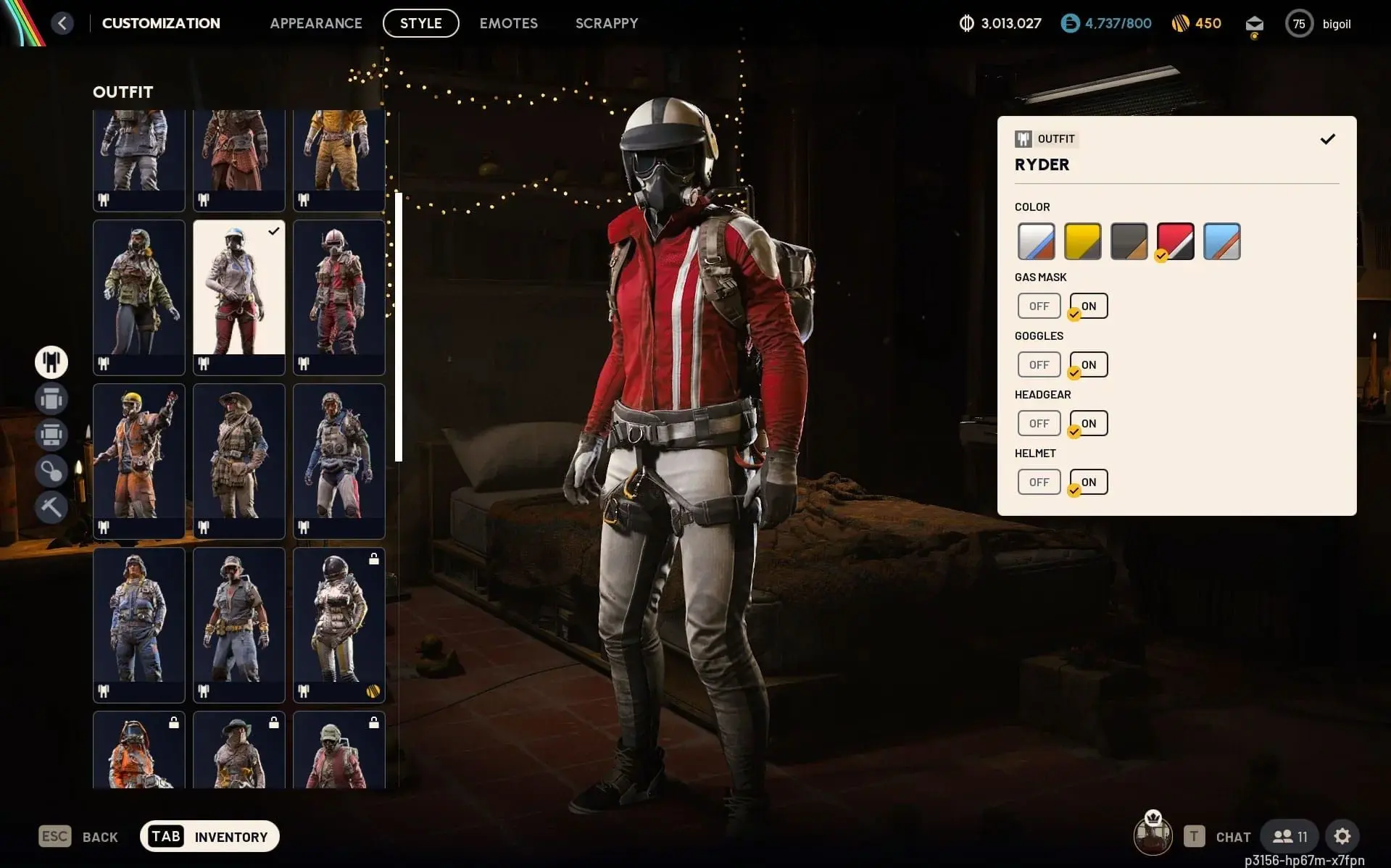
You can mix these pieces with your existing cosmetics or equip the complete set for maximum impact. Navigate to Raider > Customization > Style from the main menu to swap between different outfit combinations and find your preferred aesthetic.
Important
This promotion's duration remains unconfirmed. Grab these cosmetics immediately to avoid missing out if Embark decides to end the offer.
Arc Raiders Guide: How to Get the Free Red Ryder Skin
Step 1: Download The Finals on Your Platform
First, you need The Finals installed on the same platform where you play Arc Raiders. This matters because your accounts must match for the reward system to function properly.
Head to your platform's store:
- Steam users: Search for The Finals, add to library, and download
- PlayStation players: Find it in the PlayStation Store
- Xbox gamers: Locate it through the Microsoft Store
- Epic Games: Download through the Epic launcher
The Finals is completely free-to-play, so you won't spend anything beyond your time. New players will encounter a brief tutorial before accessing regular matches, which typically takes 10-15 minutes to complete.
Step 2: Complete Three Matches in The Finals
Once you've finished the tutorial (or jumped straight in if you've played before), you need to complete three full matches. The match type doesn't matter, and you don't need to win. Just play through three complete games from start to finish.
The Finals features intense PvP arena combat where teams extract cash while battling opponents. Each match runs approximately 15-20 minutes, meaning you're looking at roughly one hour of actual gameplay to satisfy the requirement.
Tip
You can check your progress toward the Arc Raiders skin challenge directly within The Finals' task menu while playing.
Step 3: Link Your Embark ID
Here's where most players hit problems. Your Embark ID must connect to the same platform account for both games. Without this link, the reward won't transfer even after completing your matches.
Follow this exact process in Arc Raiders:
- Press Escape to open the menu
- Select Manage Your Embark ID
- A browser window opens asking you to log in
- Choose your platform (Steam, PlayStation, Xbox, or Epic Games)
- Enter your email address when prompted
- Check your inbox for the verification email
- Click the verification link to confirm
After verification, both Arc Raiders and The Finals will recognize your linked account. You'll receive a confirmation message in-game thanking you for connecting your Embark ID.
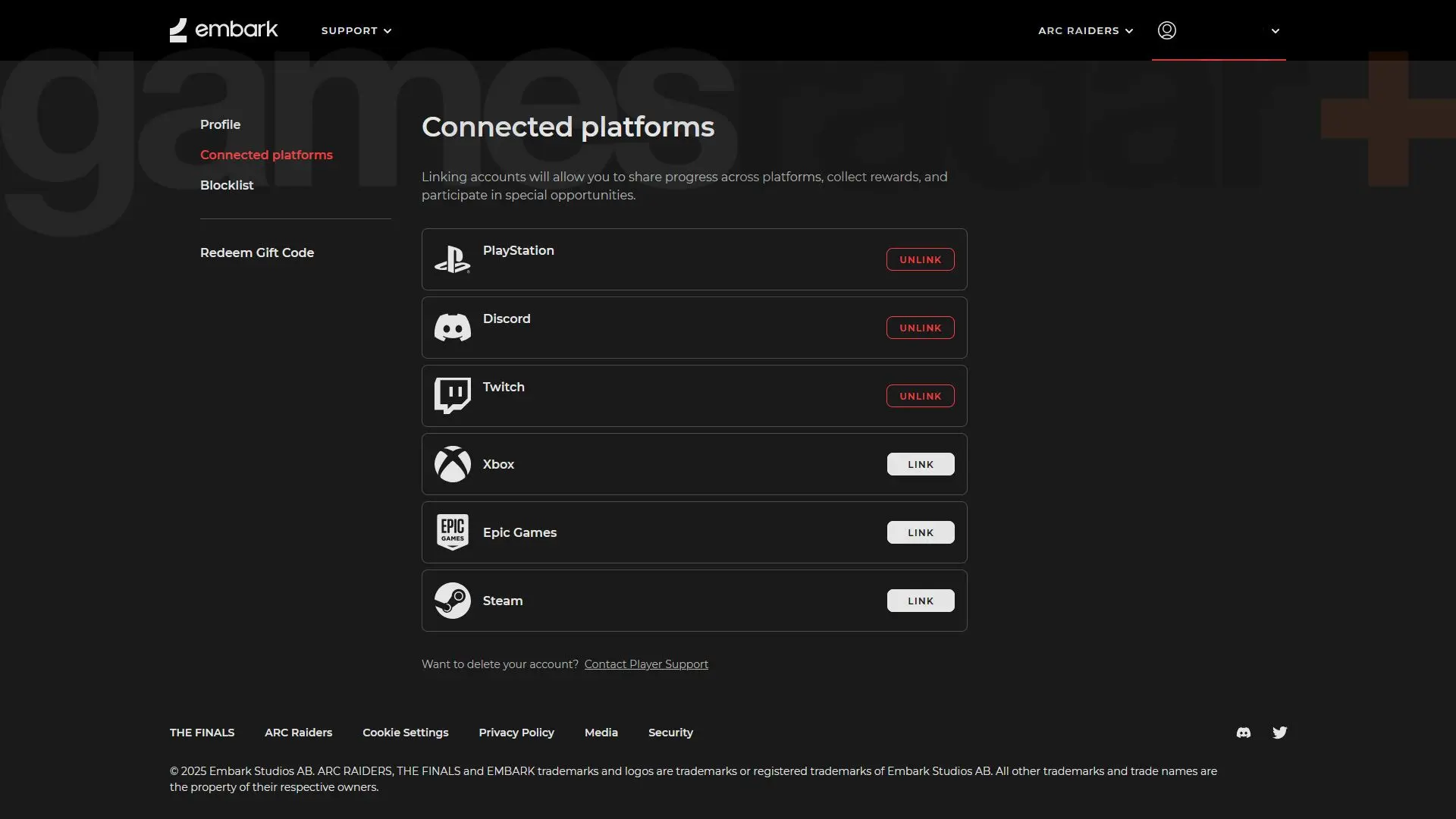
Embark ID verification page
Step 4: Wait for Your Inbox Reward
The reward doesn't appear instantly. After completing your three Finals matches with a properly linked Embark ID, expect to wait approximately one hour before the cosmetics arrive in your Arc Raiders inbox.
When you log back into Arc Raiders, check your in-game mail. You'll find a message thanking you for completing the Finals challenge with a button to claim your rewards. Click it, and all three cosmetics immediately unlock for use.
If nothing appears after two hours, double-check that:
- You completed three full matches (not partial games)
- Your Embark ID shows as verified in both games
- You're using the same platform account for both titles
How to Equip Your New Cosmetics
Once claimed, accessing your Red Ryder gear takes just seconds:
- Open the main menu in Arc Raiders
- Navigate to Raider > Customization > Style
- Select the gear slot you want to modify
- Choose from your available cosmetics
You can equip the complete Red Ryder set or blend individual pieces with other outfits you've collected. The Ryder (Red) outfit particularly shines when paired with contrasting dark accessories, while the Salvager (Black) backpack offers versatility across multiple color schemes.
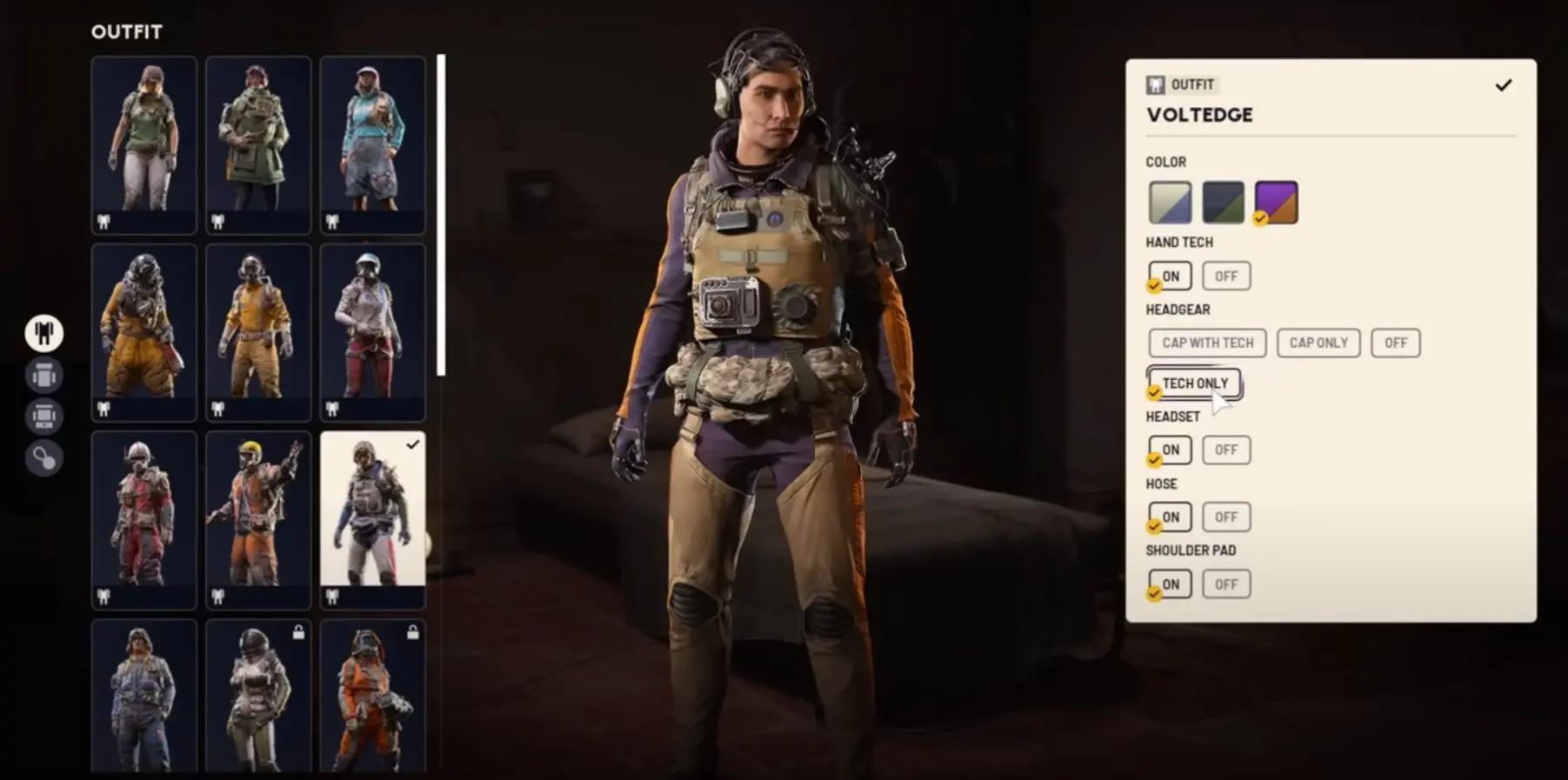
Style customization options
The Red Ryder skin is one of the easiest free cosmetic rewards currently available in Arc Raiders. It requires minimal time, no spending, and offers a limited outfit that cannot be obtained through normal gameplay. As long as the steps above are followed in order, the process is straightforward and reliable.
If you want the Red Ryder skin, complete the promotion early before it disappears.
For more Arc Raiders, check out our guide to the best Candleberries farming locations and learn how the Cold Snap event works.